
Sora Alternative: Pick by the Shot, Not the Demo
The best Sora alternative is a bench of video models, not one swap. Dates, a portable brief, a five shot test and a scorecard to run in one thread.
Sora is gone, and no single Sora alternative takes its place.
OpenAI discontinued the Sora web and app on April 26, 2026, and the Sora API on September 24, 2026, according to the OpenAI Help Center. Whatever you built on it now points at nothing.
The best Sora alternative is a short bench of video models, picked shot by shot, with one brief that works on all of them.
You just watched what one vendor's decision does to your workflow.
Swapping in a single replacement repeats that bet with a different logo on it.
What you want is one tab where every video model reads the same brief. Not five separate apps that have no idea what the others just made.
Start with your files, though. Those have a clock on them.
Export your Sora files before you shop for anything
OpenAI's help page lists two dates and leaves no wiggle room. The Sora web and app experiences were discontinued on April 26, 2026. The API was discontinued on September 24, 2026.
The decision itself came on March 24, 2026, when OpenAI posted on X, "We're saying goodbye to Sora," as NBC News reported. NBC added that shutting down a resource-intensive app could let OpenAI move its computing chips to coding, reasoning and text work.
The reason matters less than the lesson. A tool your work leaned on was a line on someone else's roadmap, and it got cut.
If you also lean on ChatGPT for text, the same lesson is waiting in our guide to ChatGPT alternatives.
Now the part with a clock on it. The same help page says OpenAI will permanently delete data tied to your Sora use after the product is discontinued and after any final export window passes, if it can offer one. You export at sora.chatgpt.com/sunset by clicking Export, and an email tells you when it's ready. OpenAI recommends doing it as soon as possible.
If you haven't, stop reading and do it. This post will wait.
When the export lands, sort what you have into four piles:
- Finished clips you can still use or show.
- Prompts that produced a clip you're proud of.
- Reference images and storyboards that fed them.
- Promises you made to clients that assumed Sora would keep making more.
Check what the export holds. If your prompts aren't in it, copy them out by hand from the documents, chats and decks where you kept them.
Clips can be remade. Prompts are the asset.
Pile four is the uncomfortable one, and it's the one the rest of this post is for.
The best Sora alternative is a bench you pick from shot by shot
You'll want to argue with that, so argue. You don't want nine tools to learn. You want the one that works so you can stop thinking about it.
Fair. If your whole job is one kind of shot on one tight budget, a single model can carry it.
For most work it can't, because video models don't do the same things well. Google's own documentation splits its two video models by job. It says to use Gemini Omni Flash as the default for video generation, and to use Veo when you need scene extension, last-frame control or a legacy pipeline, according to Google's Gemini API video docs.
That's one vendor, not the whole market. But it's a vendor telling you in writing that its own two models fit different work, and the listings across the market show the same spread. These are some of the video models in Magai today, with what each listing says it's built for:
| Family | What its listing says it's built for |
|---|---|
| Veo | Cinematic video with native synchronized audio from text and images, with reference guidance and video extension |
| Gemini Omni Flash | Fast generation and conversational editing, from text, images, existing video or references, with synchronized audio |
| Kling | Native audio, multi-shot narrative control and clips up to 15 seconds |
| Seedance | Multi-shot storytelling, stable motion and audio-video generation from text and images |
| Runway | Cinematic video with precise prompt adherence, realistic motion and camera control |
| Luma | Realistic video with coherent motion from text or images |
| MiniMax Hailuo | Cinematic video with strong instruction following and physics-aware motion |
| Grok Imagine | Native audio from text, images or references, plus edit and extend, with clips up to 15 seconds |
| FLUX | Video with synchronized native audio from text, images or keyframes, with clips up to 20 seconds |
That's a sample, not a lineup, and it changes. The full model list is read from the app every day.
Sora did five jobs under one name: concept clips, product shots, dialogue scenes, longer stories and edits to footage you already had. Each section below pairs one family with the job to test it on, and names the one shot that will tell you the truth about it.
The difference is where you do the choosing. In separate apps you sign up, pay and learn each interface, then carry your prompt from tab to tab by hand. In Magai, a chat model can hand the job to a video model inside the same thread, so your brief sits above every clip and each model reads the same one. No provider's own app can do that across models it doesn't own.
It's also your protection. When one maker changes its price or its rules, you swap one model name in the thread and keep your brief, your notes and your clips. Our piece on keeping an AI workflow alive when a vendor goes down makes the same case for text.
Veo: test it on dialogue and sound scenes
Veo's listing says it makes cinematic video with native synchronized audio from text and images, with reference guidance and video extension. That puts it in the first round for any job where sound carries the scene.
Google's documentation gives it a narrower brief than the rest of its video line. It points to Veo for scene extension, last-frame control and legacy pipelines. Last-frame control matters when you already know where a shot should end, and a product reveal that has to land on a clean hero frame is the obvious case.
So run two shots on it. Start with the two-line cafe scene, because it's the fastest way to learn whether the right mouth says the right line and whether the room sounds like a cafe. Then run your product from your own still with a clear ending in mind, and check whether the last frame matches what you pictured.
The failure to look for is quiet. The sound is good and the picture swaps the person who's talking for a slightly different person.
You'll only catch it if you watch the clip twice, once with the sound off.
If Veo holds up on both shots, it's your dialogue and reveal model. If it holds up on one, it's a specialist, and a specialist still earns a seat. Run it in Magai from the same thread as the rest of the bench, so the brief doesn't have to travel.
Gemini Omni Flash: test it on fast concepts and on edits
Google's documentation calls Gemini Omni Flash its default model for video generation. It says the model takes text, images, audio and video inputs together and supports multi-turn conversational editing, such as replacing an element or changing the perspective. Magai's listing describes the same shape: fast generation and conversational editing, with synchronized audio.
Those are claims about the model, not results, so treat them as the thing to test. Two jobs fit.
The first is concept clips, where a bad take costs you time and little else. Time yourself from the prompt to a usable second try. That number is the whole case for a fast model.
The second is edits to footage you already have. Take your best kettle clip and ask for one change, such as a cream cup in place of a white one. In a Magai thread you ask for it right under the clip.
Then look at everything you didn't ask to change. An editing model earns its place by leaving the rest alone, and a model that swaps the cup and also turns the handle silver has failed the only test that matters here.
A fast loop that lands on the wrong clip still costs you the next try. Count it.
Kling: test it on longer multi-shot stories
Kling's listing says it makes video from text and images with native audio, multi-shot narrative control and clips up to 15 seconds. The multi-shot part is what you're there to test.
A clip that cuts between shots gives the model more places to drift. The face in the first shot has to be the face in the third, and a model that holds one shot beautifully can still lose the character at the cut.
The walk-away-and-back shot forces exactly that. A woman in a red coat is hidden behind a fruit stall, then turns toward the camera. Same coat, same scarf and same hair is the pass.
Run the two-line cafe shot on Kling as well, since the listing promises audio. A story with dialogue needs both.
Longer clips raise the price of every miss. A 15 second clip with a drifting character at second twelve has wasted twelve good seconds of generation, so score it by the usable seconds, not by the length. If a six second clip gives you five usable seconds and a fifteen second clip gives you seven, the short one is the better buy.
Put Kling on the bench for stories and for any dialogue job where the character has to survive a cut. If it can't hold the coat, take it off the story job and leave it on the audio job.
Seedance: test it on stable motion from your own stills
Seedance's listing says it generates video from text and images, with multi-shot storytelling, stable motion and audio-video generation. Stable motion is a claim you can check in five seconds with a lemon.
Hands slicing a lemon is a good torture test because it asks for contact. The knife has to meet the fruit, the halves have to come apart, and each hand has to keep its five fingers. A model that floats objects instead of touching them shows it here before anywhere else.
Then run your own product from your own photo. Starting from an image is the safest way to keep a product's shape, and it's the job where a miss costs you a refund. Put the photo next to the final frame and compare the logo, the color and the proportions.

If you plan to tell stories with it, add the red coat shot too, since the listing leads with multi-shot work.
Where Seedance earns a seat is the overlap: a short story built from your own stills. If it holds the product and survives the walk-away, you have a model that can carry a small brand film. If it only does one of the two, give it only that one.
Runway: test it on product shots and camera moves
Runway's listing says it makes cinematic video from text or images with precise prompt adherence, realistic motion and camera control. The family also includes a video-to-video model for editing existing clips.
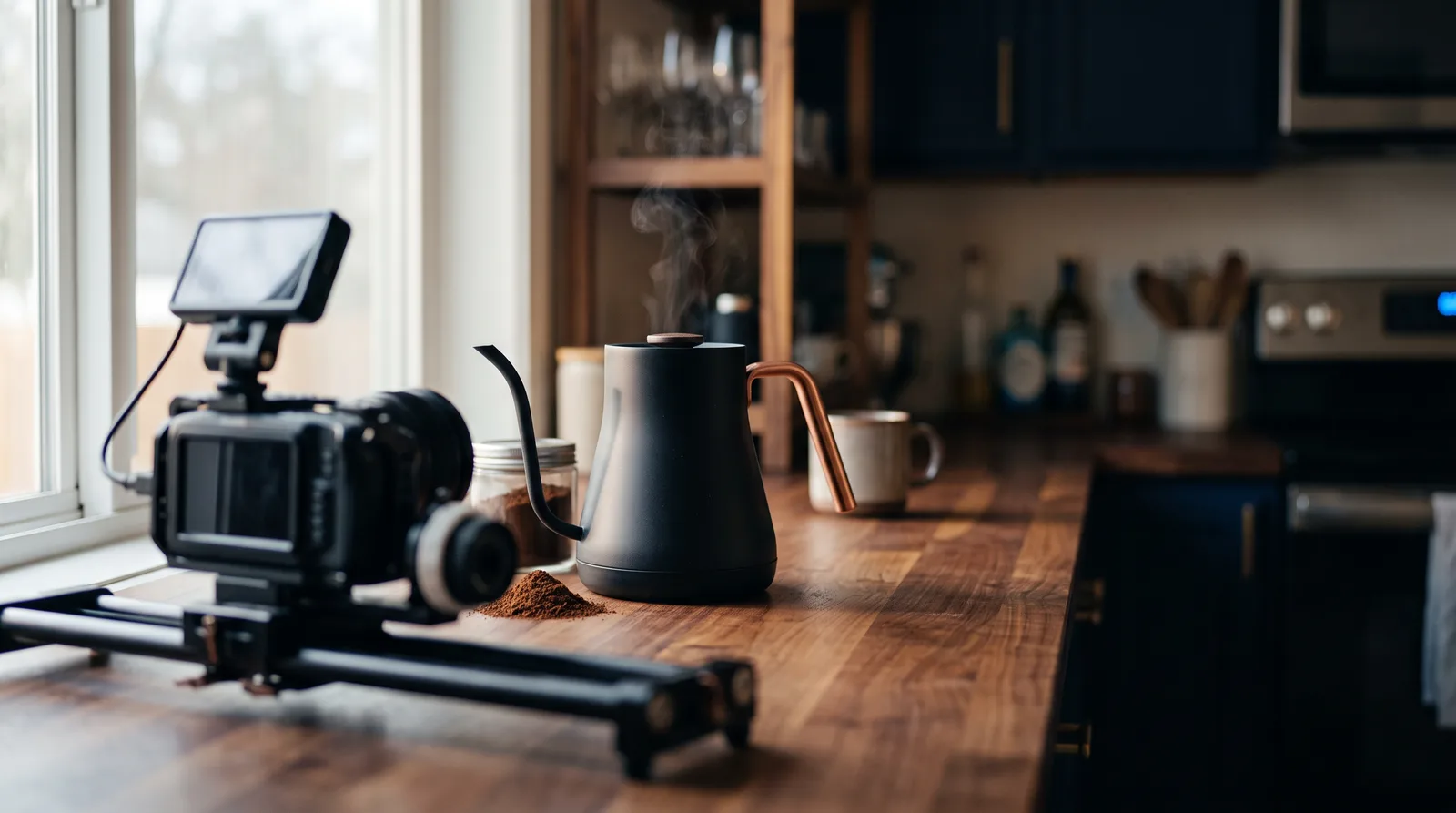
Camera control is the claim, so test the camera line and nothing else. Run the kettle brief with a slow push in. Then run it again with one change, a slow pan to the right, and leave every other field alone.
The pass has two parts. The camera does what you wrote both times, and the handle is still copper in the last second. A model that obeys the camera and forgets the handle has told you it's a camera tool and not a product tool.
Product and ad work is where Runway belongs in your first round, because polish is the point and a drifting logo is a refund. Start from your own still photo instead of a text description, so the model has your real product to hold on to.
Then try the editing model on a clip you already made. If you used Sora to fix a clip instead of making a new one, this is the closest thing on the bench to that habit.
Score both on usable seconds. A beautiful clip with two usable seconds isn't a beautiful clip.
Luma: test it on realistic motion
Luma's listing says it makes realistic video with coherent motion from text or images. Coherent motion is a testable phrase: things move the way things move.
The kettle shot has three of them in six seconds. Steam rises and bends in the air, water pours in a stream that doesn't change thickness halfway down, and the shadow follows the light as the camera pushes in.
Watch the water first. Pouring liquid is where weak motion gives itself away, because the eye knows what it should do.
The listing doesn't promise audio, so skip the cafe shot and judge Luma on the picture alone. If it wins, add the sound in your edit.
This is a good model to hold in reserve for concept work when you need a clip to feel like it was filmed, not drawn. Show a client a realistic first pass and the conversation moves faster than it does with a stylized one.
Then run the lemon shot against the same standard. A knife meeting a lemon is the same physics test with a harder surface. If Luma passes the kettle and fails the lemon, it's a model for atmosphere and not for hands, and you'll be glad you found out before a client did.
MiniMax Hailuo: test it on instructions followed to the letter
Hailuo's listing says it makes cinematic video from text or images with strong instruction following and physics-aware motion. Instruction following is the one to hold it to.
Your brief has a field for it. The Action line says what happens and when, one beat per second. In the kettle brief, a hand lifts the kettle at second three.
So watch second three. Does the hand lift the kettle then, or at second one, or never? A model that follows instructions follows the clock too.
Then run the lemon. The knife has to slice the lemon at second two and the hands have to separate the halves at second four. If both beats land within a second of where you wrote them, you have a model that takes direction, and that's worth more on a client job than a model that's merely pretty.
The physics claim gets its test in the same clip. The halves should fall apart the way halves do, not slide or melt.
Put Hailuo in the first round for concept clips where you know exactly what you want and need the model to listen. Cut it from any job where it can't hit the beats, however good the frames look.
Grok Imagine: test it on extending and fixing clips
Grok Imagine's listing says it makes video with native audio from text, images or references, with edit and extend modes and clips up to 15 seconds.
Extension is how you get past the length of a single generation, and the seam is where it fails. Take your best baseline clip and extend it. Then watch the join. The handle should still be copper, the light should still come from the left, and the steam should carry on rising as if nothing had happened.
A visible seam means the model treated your clip as a suggestion. It happens often enough that you should test it before you promise a client a longer cut.
Editing gets the same treatment as on the other models. Ask for one change and check everything else. If the edit mode keeps the kettle and changes only the cup, it's doing its job.
This is the model to try when your Sora habit was fixing and lengthening clips instead of starting over. It's also a fast way to learn how much of your old workflow was patching, which tells you what to ask of every other model on the bench.
Run it in the same Magai thread as the clip you're extending, so the original sits right above the new one and the seam is one scroll away.
FLUX: test it on the longest clips
FLUX's listing says it makes video with synchronized native audio from text, images or keyframes, with clips up to 20 seconds. Keyframes mean you can hand it the first and last picture of a shot.
Twenty seconds is the longest of any listing in the table, and the middle of a long clip is where drift hides. Test it at full length once, not only at six seconds.
Use shot five for it. Give the model a still of your product at the start and another at the end, say a closed box and the same box open, and let it fill the middle. Then check whether the product keeps its shape through the transition.
Keyframes are also the answer to a problem you had with Sora: not knowing where a clip would end. If you can supply the ending, you've removed half the guesswork.
Score it by usable seconds per try. A 20 second clip that's usable for eight seconds and a six second clip that's usable for five are very different prices for the same footage.
Put FLUX on the bench for long product moves and for anything that needs a planned ending. Leave it off quick concept work, where the length buys you nothing.
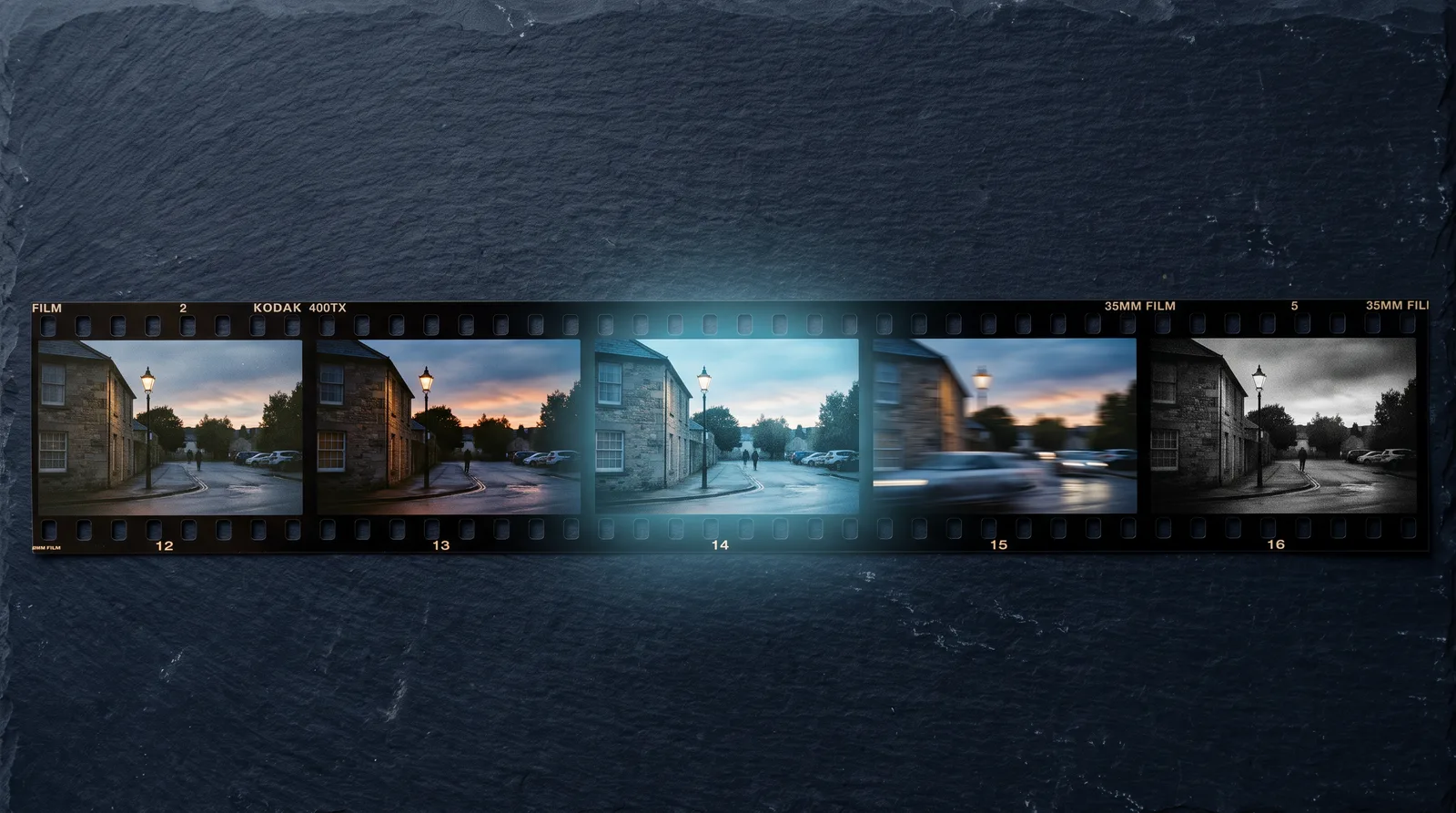
Write the brief once so every model can read it
Your Sora prompts were written for Sora. Whatever you learned about wording, which details it tolerated and which it ignored, got baked into the sentences.
Carry them to another model as they are and you're testing that model against a dialect it never learned. Of course it looks worse.
So translate once, into a brief that belongs to no model. Nine fields:
Subject: who or what is in the frame, with one identifying detail
Action: what happens, in order, one beat per second
Setting: where, and what time of day
Camera: shot size, movement, lens feel
Light: source, direction, color
Sound: spoken lines in quotes, the room's background sound, or "silent"
Length and frame: seconds, aspect ratio
Must keep: the one thing that cannot drift (a logo, a coat color, a face)
Must not: what to leave out
The kettle shot, filled in, is your baseline:
Subject: A matte black pour-over kettle with a copper-colored handle
Action: Steam rises in the first second. A hand lifts the kettle at second three and tilts it toward the cup.
Setting: A walnut kitchen counter, early morning
Camera: Slow push in from a medium shot to a close shot, 35mm feel
Light: Window light from the left, soft and warm
Sound: Water pouring, a faint street outside, no music
Length and frame: 6 seconds, 16:9
Must keep: The handle stays copper in every frame
Must not: No text, no brand marks, no people other than the hand
Most vague clips come from fields left blank. A model fills a blank with its own taste, and its taste differs from yours and from every other model's. The must keep field earns its place a second time: it's the field you score at the end.
Now move the old work. Open a new thread in Magai, paste your twelve best Sora prompts, paste the nine fields under them, and ask a chat model to do the translation:
/Claude Below are twelve prompts I wrote for a video model that no longer exists. Rewrite each one into the nine field brief under them. Use only details that are in my original. If a field is missing from the original, write Not specified instead of inventing something. Then tell me which three fields I left blank most often.
Then read what comes back for invention. The failure to watch for is the model tidying your prompt into something better than what you wrote, which means the clip you test isn't the clip you used to make. The Not specified rule exists to stop that, and the list of most-blank fields shows where your old habits left the decisions to the model.
Once the briefs are clean, the rest of the work stays in the same thread. Switching between models inside one Magai chat preserves the conversation's context, so when you want a different model's read on a brief, you change the model and the thread comes along. Our guide to switching models inside one workflow covers the mechanics.
Save the final brief in your prompt library so it's one click away the next time a model changes.
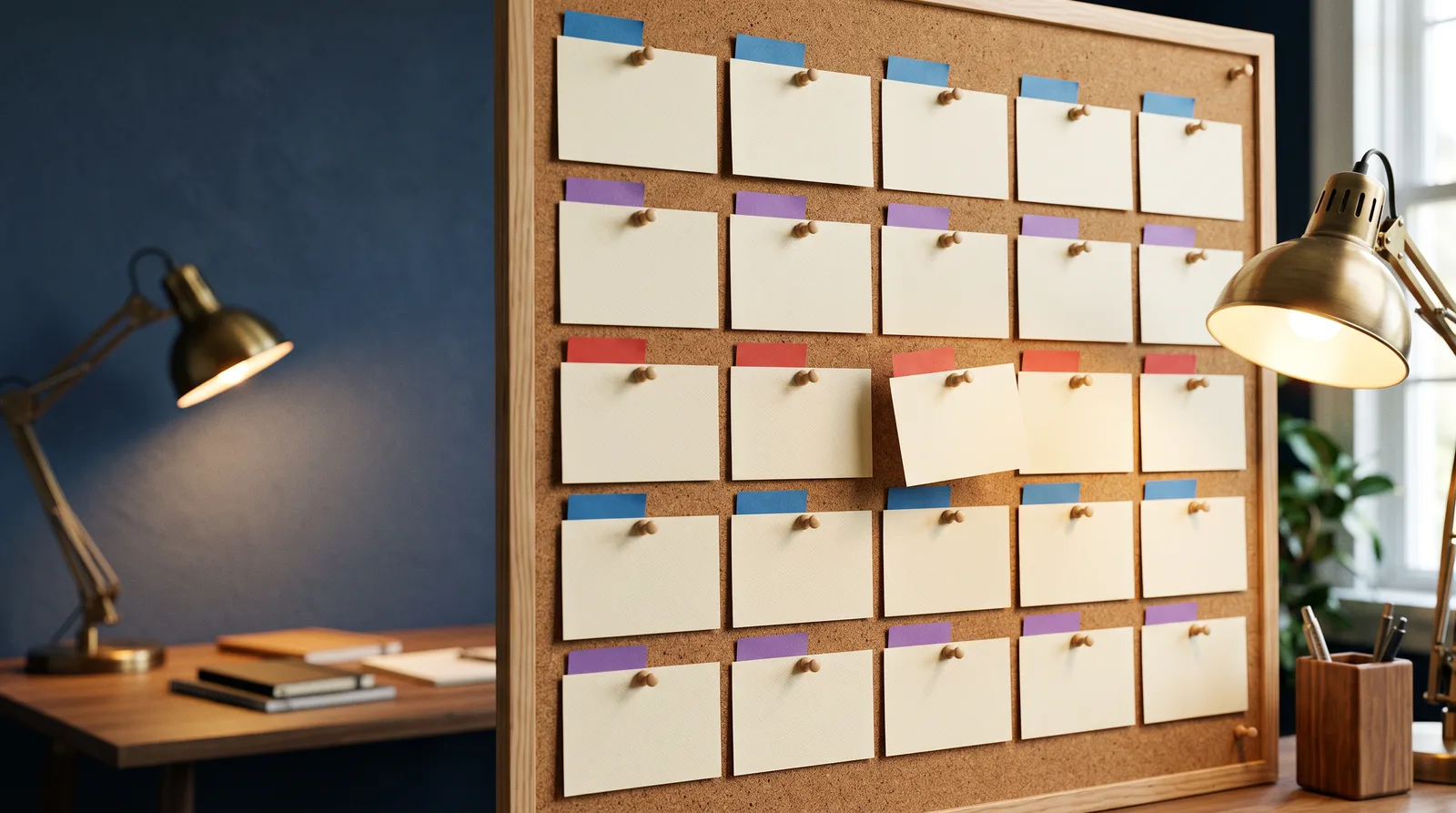
Run five shots through the bench in one thread
Five shots will tell you more than fifty. Each one is built to break a different thing, and each runs from the same nine field brief so the only variable is the model.
Hold three things constant: the length, the aspect ratio and the brief. Start at five or six seconds so a retry stays cheap.
The five shots, and what each one is there to catch:
- Baseline, the kettle brief above. It catches basic fidelity, one camera move and one thing that must not drift.
- Walk away and back: a woman in a red coat walks away down a market aisle, passes behind a fruit stall and turns toward the camera. It catches a face or a coat that changes after being hidden.
- Hands: hands slice a lemon on a wooden board. It catches contact between a body and an object.
- Two lines: he says, "We ship Friday." She replies, "Then we have until Thursday." It catches speech, speaker and room sound.
- Your product, from your own still: start from a photo of the real product, with its shape and color as the must keep. It catches the shot you get paid for.
Run shot one first, on every model in your first round. It's the cheapest filter you have. Drop any model that can't hold the must keep on the kettle in two tries, then run the shot that matches your job on the models that survive.
You don't need all five shots on all nine families. That's how a test ends up costing more than the project.
Shot five starts from a photo. If you don't have one, make the still first with an image model in the same thread (Google's Nano Banana is one) and hand it to the video model. It's the same hand-off as before, one link further down the chain.
The running is plain. Paste the brief, pick the video model and run it. To compare, change the model and run the same brief again. Each clip lands in the thread under the brief that made it, so there's nothing to rename and nothing to match up later.
Add one line under every clip as you go: model, shot, try number. Future you won't remember which was which.
Score usable seconds, not the best frame
A demo is the best few seconds a model has ever made, picked by the people who made it. Your scorecard should measure the opposite: what you can use on an ordinary Tuesday.
A usable second is a second you'd put in the edit without fixing it. That's the whole unit.
For every clip, write down five things:
- Usable seconds, out of the total, such as 4 of 6.
- Tries, meaning how many generations it took to get a clip with at least half its seconds usable.
- Whether it held the must keep, yes or no, checked in the last second.
- Whether the sound fit: yes, no, or not needed.
- A verdict of keep, backup or drop.
Look at the last second first. The first second is the easiest one a model makes. Drift shows up late: the coat changes shade, the handle loses its copper, the hand grows a finger.
Cost comes down to one line: tries, times what one try costs, divided by usable seconds. You don't need dollars to use it. Whatever your plan's monthly usage is, tries are what spend it, so counting them is enough.
Here's the rule people break. A clip looks bad and you suspect bad luck, so you quietly re-run it and forget the first one. Don't. Count it as a try, because luck is part of the cost, and a model that needs six tries to get what another gets in two has told you something.
Then decide, in this order:
- Drop a model that fails shot one twice.
- For each job, keep the model with the most usable seconds per try on that job's shot, and keep the runner-up as the backup.
- When two models tie, take the one whose clips needed less fixing in the edit, not the one you liked in the preview.
- Write the result in one line per job and pin it to the top of the thread, such as "Dialogue: Veo, backup Kling."
- Run the bench again when a model you use changes or a new one lands.
If Sora was an API call in your code, build on the vendor's API
Some of you never used Sora in an app. You called it from code, and a piece of your own product lost its engine on September 24, 2026.
I won't pretend a chat workspace is the place to wire a production pipeline. It's the place to decide what the pipeline should call. That decision is the expensive one, and you can make it cheaply by running the five shots first.
Say the winner for your job is a Google model. Google's documentation lists two paths in the Gemini API: Gemini Omni Flash as the default, and Veo for scene extension, last-frame control and legacy pipelines. Every other vendor on your bench publishes its own developer terms, limits and pricing. Read them before you wire anything. They're the pages you'd have wished you'd read about Sora.
Then build in this order:
- Run the five shots and pick the winner for the job.
- Take the brief, not the clips, to the vendor's docs.
- Write a thin layer in your code that maps the nine fields to the vendor's call. When the vendor changes, you rewrite the mapping and leave the pipeline alone.
- Write the backup model's mapping now, from your scorecard, and leave it switched off.
The fourth step is the lesson of this whole post, compressed into a Tuesday afternoon.
One more habit. Save every approved clip and the brief that made it to storage you own. A platform is a place to make things, not a place to keep them.
What no Sora alternative gives back
Your old reel won't reproduce. The same prompt on a different model makes a different clip, so tell clients before they ask, and show them the new bench's output next to the old.
The feed is gone too. NBC reported that the Sora app became the most-downloaded app in the iOS App Store's Photo and Video category within a day of its release. It was a place people posted and watched. Nothing on your bench is a social network, and none of it is meant to be.
Then there's what the old prompts may have carried. NBC reported that many users made lifelike videos of popular characters such as Lara Croft, Mario and Pikachu, and that copyright and deepfake experts raised alarms about them. If any prompt in your pile named a character or a real person, take that out in the translation step. A model that doesn't refuse isn't a permission slip, and each maker has its own rules.
I'll concede this much. A bench costs you a week the first time, and a single replacement would cost you a day. If you only ever make one kind of clip, take the day.
Everyone else should take the week. The week is what you don't have to spend again.
Sora itself isn't in Magai. It's discontinued, so there's nothing to add.
Run the bench in one workspace instead of five apps
Testing nine video models in nine apps means nine sign-ups, nine bills and nine places your clips live. The test shouldn't cost more than the project.
In Magai the models sit in one workspace. Standard is $20 a month and includes $20 of monthly usage. Pro is $40 a month with $40 of monthly usage and every model, premium ones included. Every plan carries a 30 day money back guarantee.
The current details are on the pricing page, and the image and video generator page shows how a picture in the thread becomes a clip.
One place to run the bench, one thread that remembers the brief, and a way out if it isn't for you.
Export today, write the brief tomorrow, run the shots after that
The order that works:
- Today: export your Sora content, and copy your prompts out of anywhere the export doesn't carry them.
- Tomorrow: translate your best twelve prompts into the nine field brief and save it.
- The day after: run shot one on four models, drop the ones that fail, then run the shot that matches the job you get paid for.
One question first. Which Sora job did your income lean on? Test that one before anything else.
When you're ready, open Magai and start the thread.
Sora is gone. Your brief isn't.
More in Generative AI
Generative AI
Midjourney Alternative: Pick by Why You're Leaving
The best Midjourney alternative depends on why you're leaving: cost, privacy, text, edits or video. Run three tests in one thread and keep the winner.
Generative AI
Genie 4: What Google's New World Model Can Do
Genie 4 is Google DeepMind's new world model with native audio and live dialogue. What it does, who can use it today, and what to run in Magai meanwhile.

Generative AI
Generative AI for Hyper-Personalized UX
Generative AI UX personalization turns static UX into real-time experiences with adaptive UI, predictive help, and accessible design.