Midjourney Alternative: Pick by Why You're Leaving
The best Midjourney alternative depends on why you're leaving: cost, privacy, text, edits or video. Run three tests in one thread and keep the winner.
Most people who go looking for a Midjourney alternative are not unhappy with the pictures.
They are unhappy with something around the pictures. The monthly bill. The privacy setting that costs extra. The poster where the headline came out as gibberish. The fourth reroll of an image that was one small detail away from done.
The best Midjourney alternative is the image model that fixes the reason you are leaving. For words in images, start with Ideogram or GPT Image. For edits that touch one thing, start with Nano Banana or GPT Image. For cost, start with a workspace that holds several models on one plan.
No chart can pick for you. A score on someone else's prompts tells you who won their contest, and you have a poster due Friday.
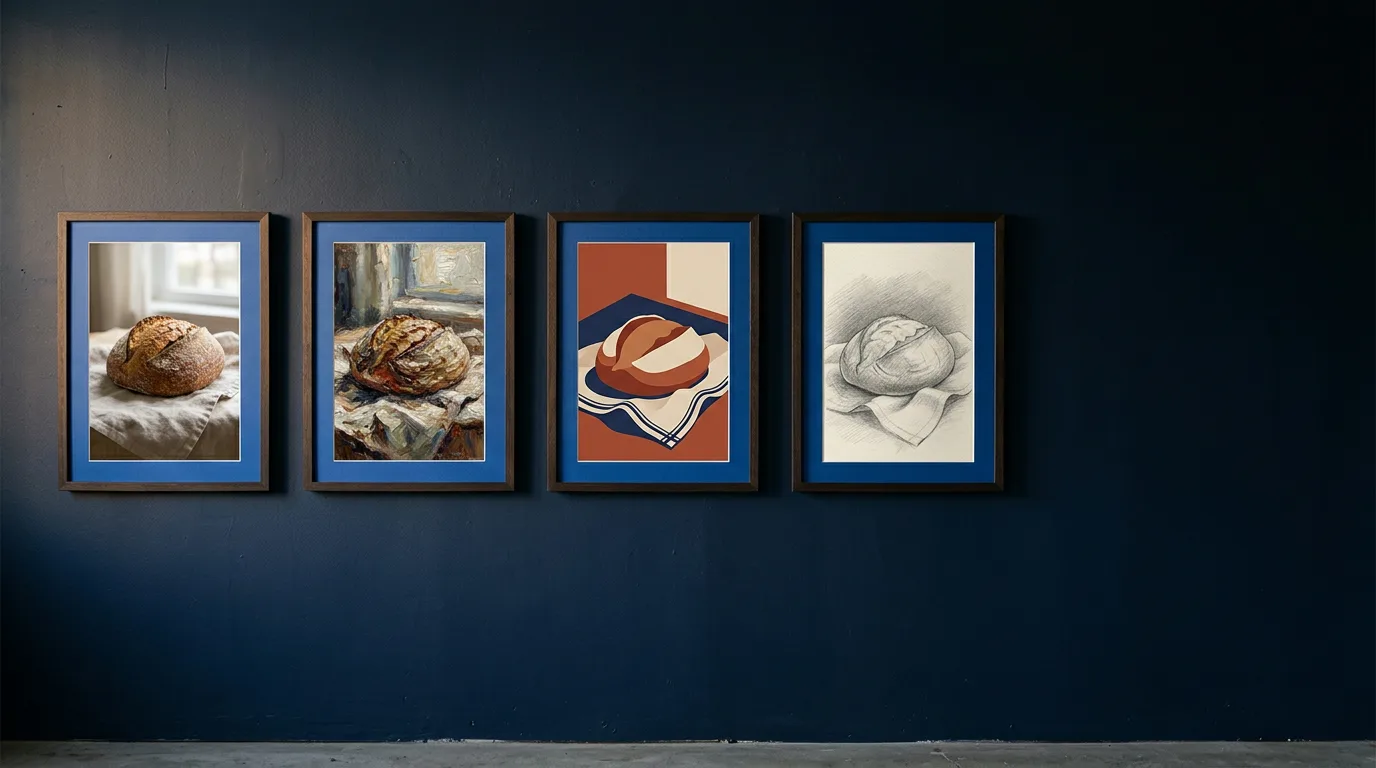
Choosing an image model from a chart is like choosing a bakery from its billboard. You taste the bread.
Pick the alternative by your reason for leaving, then test it on your own prompt before you pay for it.
Every test in this post runs in one Magai thread, so you can switch image models without losing the prompt, the reference images or anything you told the last model. You'll also see what Midjourney's plans cost in plain numbers, and where the right answer is to stay.
Each reason for leaving Midjourney points to a different alternative
Five reasons come up, and each has its own test and its own models worth trying first.
| Why you are leaving | What to test | Models to try first in Magai |
|---|---|---|
| The monthly cost | Whether one plan covers your images and the other tools you pay for | Any image model, on a plan that also holds chat and video |
| Words in the image come out wrong | A poster with a headline and a line of small print | Ideogram, GPT Image, Nano Banana, Recraft |
| You reroll when you should edit | One change to a finished image, with the rest left alone | Nano Banana, GPT Image, Flux, Seedream |
| The image should become a video | A still carried into a clip without leaving the thread | Any image model, then a video model such as Veo, Kling or Runway |
| You miss the Midjourney look | Whether any model matches your own best images | A model that takes reference images, such as Nano Banana, Flux or Muse Image |
Magai does not include Midjourney. Every model in the right-hand column is in Magai today according to the live model list, and that list changes, so read the names as examples and check it before you plan around one.
The starting names come from what each model is built for. The live list describes Ideogram as built for legible text, GPT Image for layout control and text rendering, Recraft for logos and editable vector graphics, and Nano Banana, Flux and Seedream for editing from a reference image. That is where to begin. It is not a verdict.
Each test below has one prompt you can copy, a short set of yes or no questions and a rule for when a model has earned a place. You run the same prompt through at least three models, twice each, and write the score down before you move to the next one.
You may want a straight answer instead of a test, and that's fair. You have it above. It holds for most people. It stops holding the moment your prompts look unlike everyone else's, and a test takes an afternoon.
If two reasons apply to you, test the one that costs you the most time first. Text and edits eat hours. A plan costs you money once a month. Video and the look matter only on the days you need them.
Midjourney is a strong tool, which matters for how you read all of this. Its own docs describe the newest default model as an update focused on aesthetics, image quality and personalization. You are leaving something good, so the reason decides everything.
If your reason is the look, jump to the section on that one, because the advice there runs the other way.
Midjourney's four plans, priced the way you would use them
Start with what you would be replacing. Midjourney's plan page lists four subscription tiers, and every one renews automatically unless you cancel it. Here is what each includes:
- Basic costs $10 a month, or $8 a month billed yearly. It includes 3.3 hours of Fast GPU time, no Relax mode and no Stealth mode.
- Standard costs $30 a month, or $24 billed yearly. It includes 15 hours of Fast time and unlimited Relax images, with no Stealth mode.
- Pro costs $60 a month, or $48 billed yearly. It includes 30 hours of Fast time, unlimited Relax images and standard-definition video, and Stealth mode.
- Mega costs $120 a month, or $96 billed yearly. It includes 60 hours of Fast time, the same Relax allowances as Pro and Stealth mode.
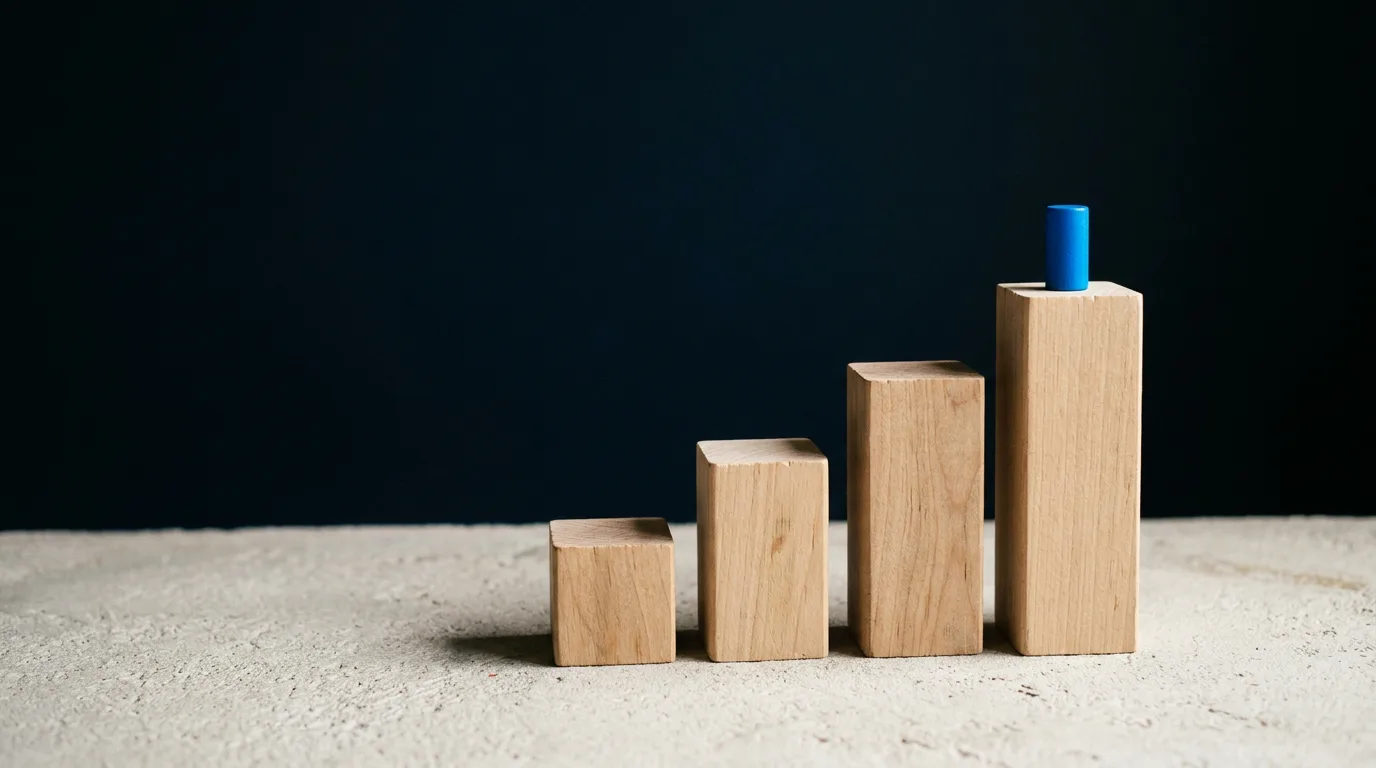
Three details in those plans settle most arguments about cost.
First, Basic has no Relax mode. When its 200 minutes of Fast GPU time run out, you buy more at $4 an hour or you wait. Midjourney's version page puts a standard job at 0.8 minutes of GPU time and an HD job at 1.3, so 200 minutes covers roughly 250 standard jobs or 150 HD jobs. That is plain division on Midjourney's own numbers. The page doesn't say how many images a job returns, so count your own.
The same numbers show where Basic stops making sense. Matching Standard's 15 hours of Fast time on Basic means buying about 11.7 extra hours at $4, roughly $47, on top of the $10. Standard costs $30 and adds unlimited Relax images.
Second, privacy is a tier. Stealth mode, which controls who can see your creations on the Midjourney website, is on Pro and Mega only. Midjourney also warns that anything you make in a public Discord channel stays visible, stealth or not. If you work on client images, that is $60 a month before you make the first one.
Third, there is no way in without paying. Midjourney's trial page says no trial is available on its website or in Discord, only a limited one in the niji journey mobile app. You pay first and find out afterward whether your prompts work.
Annual billing takes 20% off, but Midjourney collects the full year up front. A $96 commitment to a tool you haven't tested is the monthly-bill problem with less room to leave.
Companies carry one more rule. The footnote on the plan page says a company making more than $1,000,000 in gross revenue a year must buy Pro or Mega to use its images and videos commercially.
None of this makes Midjourney a bad deal.
For one person making images for pleasure, Basic at $10 is hard to beat. It turns into a bad deal when you pay for it on top of three other tools that each do one job.
If the monthly cost is the reason, replace the plan with a workspace
The comparison that matters is not Midjourney's $10 against Magai's $20. It is everything you pay for around the images.
Say you pay for Midjourney, a chat assistant to write your prompts and captions, a second image tool because the first one can't spell, and a video subscription for the clips. That is four logins and four bills, and none of them has heard of the others.
Chat alone shows how fast it adds up. Buy the major assistants one by one and the bill lands near $100 a month, with no memory shared between them. The post on AI bundle subscriptions walks through that math.
Magai Standard is $20 a month and Pro is $40, with $20 and $40 of monthly usage included. Several image and video generators come with every plan, in the same thread as the chat models. The pricing page lists what each plan holds, and every plan carries a 30 day money back guarantee, so you can run the tests in this post and get your money back if the answer is no.
Privacy is the other half. Your prompts, uploads and results are never training data for any model on the platform, whichever provider built it. Conversations stay between you and the teammates you invite. That is how every plan works. It is not a $60 upgrade.
The thread is the part a second subscription can't copy. Switching between models inside one Magai chat preserves the conversation's context, so the poster brief you wrote on Monday is still there on Thursday when you swap models.
You can go further and put your brand brief into an agent once: the colors, the tone, what a finished poster must include. Agents are reusable custom instructions that run on any model, so every model you test starts from the same brief.
Here is where I would tell you to stay put. If you make only images, make a handful a week and love the output, Basic at $10 costs half of Magai Standard, and Magai does not include Midjourney. The case for a workspace starts when images are one of several jobs. If you are sizing up sites that claim every tool in one place, what to check first lays out the questions to ask.
If words in the image come out wrong, run the poster test
Words in an image are the cleanest place to separate models, because grading them takes no taste.
The letters are right or they are not.
Midjourney handles words when you put them in double quotation marks, and its docs on text set the limits plainly. Text works best in the standard Latin alphabet, shorter words and phrases do better, and when the words still go wrong you can lower the Stylize value, turn on Raw or patch the result in the Editor. That is fine for a one word neon sign. A poster with a headline and a line of small print asks for more.
Other makers say they do better. Ideogram's text rendering page calls text a core capability and claims 95% accuracy. OpenAI says one of the two newest variants of its image model improves layout quality for posters and product imagery. Those are vendor claims, so treat them as the reason to run the test, not as its result.
The test is one prompt. Paste it as written:
A hand-lettered poster for a neighborhood bakery. The poster reads exactly "SUNDAY BREAD CLUB" in large cream letters at the top, and "Doors open at 7. Bring a bag." in small letters at the bottom. A rustic sourdough loaf on a linen cloth in the middle, soft window light, warm film grain, muted terracotta and navy palette.
It carries two lines of text on purpose. The headline is the easy case. The small line has capital letters, a number and two periods, which gives a model more places to slip.
In Magai, open a new thread and pick Ideogram in the model picker. Paste the prompt. Switch the picker to GPT Image and paste it again, then Nano Banana, then one more: Recraft if you make logos, or Qwen Image or Seedream, which the live list describes as strong at text. The thread stays the same, so the prompt and every result sit in one place.
Score each result with four yes or no questions:
- Is every letter of the headline correct?
- Is every character of the small line correct, including the 7 and both periods?
- Did the model add words you did not ask for?
- Is everything where you said it would be: headline on top, small line at the bottom, loaf in the middle?
Run each model twice. One result is luck, and two tells you whether it is a habit.
Write down exactly what broke: a swapped letter, a missing period, an added word. The kind of failure matters, because a dropped period is a ten second fix and a misspelled headline is not.
If a model gets the words right and the picture flat, keep it anyway. Send the picture you prefer from another model to the text winner as a reference and ask it to add the two lines and change nothing else. Whether that works is the next test. Ideogram also lets you pull text into editable layers after the fact, according to its page, which helps when one word is wrong and the rest is perfect.
Then run round two with the words you will ship: your brand name, your tagline, the real price. A model that passes the bakery poster can still trip over a name it has never seen, so finish on the text you will use. If you want a stronger starting prompt than your own, the image prompt tool turns a few words into a detailed one.
If you reroll when you should edit, run the one-change test
Rerolling is what you do when you can't tell the tool what is wrong. You like the composition, the light is off and the loaf is the wrong shape, so you generate again and hope all three land.
They rarely land together.
An edit that touches one thing and leaves the rest alone fixes that, and Midjourney has one. Its version page says the newest default model ships with an Edit Model that replaces Omni Reference, Character Reference and the Retexture tool. So this is not a gap Midjourney ignores. The question is how well each tool follows one plain sentence.
Take the best poster from the last test and send this to the model that made it:
Keep everything exactly the same: the lettering, the layout, the linen and the colors. Change only the loaf. Make it a round boule with a single diagonal score on top.
Then score what comes back:
- Did the headline survive untouched?
- Did the small line survive untouched?
- Did the linen, the light and the palette survive?
- Did the loaf change the way you asked?
A model that rewrites your headline while fixing a loaf has failed, even if the loaf is perfect. That is the failure to watch for, because it is easy to miss when your eye is on the loaf.
Put the before and after side by side and compare the letters, one by one. Lettering that was quietly redrawn and looks the same at a glance is the damage this test exists to catch.
Then run a harder edit on the same poster: change the light to late afternoon and keep everything else. Light touches the whole frame, so it shows quickly whether a tool edits the image or repaints it.
The live model list shows an edit mode on Nano Banana, GPT Image, Flux, Grok Imagine Image and Seedream. OpenAI says its newest image model keeps characters, products and brand details consistent as you edit. Treat that as a claim to check on your own poster.
A workspace helps most when the first model fumbles the edit. Switch models in the same thread and send the same sentence. The second model has the poster and your earlier instructions without you re-uploading or re-explaining anything. The post on Google's Nano Banana image model explains what it changed and how to get better results from it, which is useful before you send it your first edit.
You can also hand the prompt writing to a chat model. Ask /Claude to turn your two line idea into a detailed image prompt, then send that prompt to the image model. A Magai chat model can pass a task to a separate image model inside the same thread, which a provider's own chat app can't do for models it doesn't own.
If the image should become a video, keep both in one thread
Some people leave Midjourney because the picture was never the product. The picture is the first frame. They need the logo reveal, the five second loop, the ad.
Midjourney sells video too. Basic is limited to standard definition, and unlimited Relax video starts at Pro, which is $60 a month. If you are paying that for the video, price it against what the video costs elsewhere.
In Magai the image model and the video model share a thread. Take your winning poster, ask a video model to animate it, and watch the first frame and the last.
According to the live list, the video models in Magai today include Veo, Kling, Runway, Seedance, Luma and Grok Imagine Video, and they differ in clip length, resolution and sound. The list describes Veo, Kling and Grok Imagine Video as generating native audio with the clip, so decide whether you want sound before you test and say so in the prompt.
Send the poster to a video model with this:
Animate this poster as a five second shot. Slow push in on the loaf, a little steam drifting up, dust floating through the window light. Keep the lettering exactly as it is.
Score three things. Does the lettering hold on the last frame? Does the loaf stay the same loaf? Does the motion match what you asked for, or something louder? A model that animates beautifully and melts your headline fails this test for any poster that has one.
If the first clip is close but wrong, correct it in the same thread: same shot, slower push, lettering frozen. If it is wrong in a way a correction won't fix, switch to another video model and send the same sentence. The poster and your instructions come along.
Check the clip's length and resolution against where it will run. A model that tops out shorter than your slot is the wrong model, whatever it does to the light.
The reason to run this in one thread is the same one as before. Each provider's own chat app is limited to its own generation tools, so a still made in one place has to be downloaded, re-uploaded and re-explained in another. In a Magai thread, the still is already there. The image and video generator page shows the flow, and the guide to which AI can generate images maps the wider field if you want to widen the test.
If you miss the Midjourney look, check before you leave
This reason runs the other way, so read it before you spend anything. Nobody has cloned the Midjourney look, and a lot of people pay for exactly that. If it is why you subscribe, you may be right to stay.
You may say that your work looks like Midjourney because you wrote the prompts for Midjourney, and that any other model is judged on a prompt that was never meant for it. That is fair, and it tilts every quick comparison. A different model wants a different prompt, so don't judge a new one on your old prompt word for word. Give it your references and let it find its own words.
Here is a test that is fair to both. Gather five of your best Midjourney images. In Magai, upload them as references to a model that takes reference images, such as Nano Banana, Flux or Muse Image, and send:
Make a new image of [your subject]. Match the color, lighting, texture and mood of the five reference images. Do not copy any one of them.
Then do the part most people skip. Lay the results beside your originals and have someone who didn't make them pick the closest match, with the labels covered. You are too close to your own work to judge it.
Ask the judge one question: which of these came from my Midjourney account? Not which is best. Best is a taste question, and you are testing resemblance.
If a person who knows your style can't tell which images are which, the model has earned a second look. If they can tell every time, you have your answer, and the answer is that Midjourney is the right tool for this job.
Midjourney's docs say the newest default model leans on personalization, and that it understands your taste better on profiles with a large number of points. Your own profile is a real asset, and the blind pick tells you how much of it a reference image can replace.
Then stay. Keep Midjourney Basic at $10 for the look, and use a workspace for everything around it: the prompts and captions, the text-heavy graphics, the clips. Paying for both is a sound setup. Paying for four tools that overlap is the problem.
Score all the tests in one sitting
Run the tests in one thread and write the scores down as you go. Memory flatters whichever result you saw last.
The scorecard below covers the four tests, what to run each on and when a model has earned a spot in your workflow.
| Test | Run it on | Points available | Keep the model if |
|---|---|---|---|
| Poster | Three or four models, twice each | 4 per run | It gets both lines of text right in both runs |
| One-change test | The poster winner, then one other model | 4 per run | Nothing else changes when you change one thing |
| Midjourney look | Your five references, one or two models | A blind pick by someone else | A person who knows your work can't pick yours out |
| Video | The winning poster in one video model | 3 questions | The lettering and the subject hold to the last frame |
Add it up for the test that matches your reason for leaving. The model with the most points there is the one to pay for. If none of them beats Midjourney on your test, stay on Midjourney and don't apologize for it.
Here is how the math works, with made-up numbers. Say Ideogram scores 4 and 4 on the poster, GPT Image scores 4 and 3, and Nano Banana scores 3 and 3. That is 8, 7 and 6. The gap between 8 and 7 is one slip in one small line, so a tie in spirit goes to the model that fits the rest of your work, the one that takes your reference images or does better on the edit.
Hold everything else still. Same prompt, same aspect ratio, same reference images. If you change two things at once, you won't know which one moved the score. The guide to switching between AI models in one workflow covers the mechanics if you haven't done it before.
All four tests, the prompts to paste, the scoring lists and score sheets for every run are in one printable worksheet, ready to fill in as you go.
When a prompt wins, save it to your prompt library so the next model gets the same words. The library keeps saved prompts one click from the chat and runs each one on any model.
Run the test that matches your reason tonight
Write your reason for leaving in one sentence. Find its row in the first table. Run that test and only that one before you do anything else.
If the reason is cost, sign up at app.magai.co, run the poster test and decide inside the 30 day money back window. If it is words, run the poster. If it is edits, run the one-change test. If it is the look, run the blind pick and be ready to hear that you should stay.
Keep what you build. The winning prompt goes in the prompt library, the brand brief goes in an agent, and the thread stays where you can reopen it.
Next quarter the lineup will have changed. Open the same thread, paste the same prompts and see who moves.
Not unhappy with the pictures. Unhappy with what sits around them. Find that, then taste the bread.
More in Generative AI
Generative AI
Sora Alternative: Pick by the Shot, Not the Demo
The best Sora alternative is a bench of video models, not one swap. Dates, a portable brief, a five shot test and a scorecard to run in one thread.
Generative AI
Genie 4: What Google's New World Model Can Do
Genie 4 is Google DeepMind's new world model with native audio and live dialogue. What it does, who can use it today, and what to run in Magai meanwhile.

Generative AI
Generative AI for Hyper-Personalized UX
Generative AI UX personalization turns static UX into real-time experiences with adaptive UI, predictive help, and accessible design.