
ChatGPT Alternatives: Pick by the Job, Not the Hype
ChatGPT alternatives sorted by the job that made you leave: Claude, Gemini, Perplexity, Grok, Copilot and DeepSeek, with prices and where each one fails.

You don't need a ChatGPT alternative. You need one for a specific job.
Hold that thought, because it saves most people a month of bouncing between apps.
The best ChatGPT alternatives are Claude for long documents and careful writing, Gemini for work that lives in Gmail and Docs, Perplexity for answers with sources you can click, Grok if you live on X, Microsoft Copilot if your day is Word, Excel and Outlook, and DeepSeek for cheap, high volume work. Each one beats ChatGPT at something. Each one also loses to it somewhere, and that part never makes the sales page.
Claude's usage window closes in the middle of a long project. Grok's weekly pool runs dry by Wednesday. DeepSeek's own app stores your prompts in China, according to its privacy policy.
Swap ChatGPT for the wrong one and you trade one set of limits for another. You also leave your whole thread behind on the way out.
Think of ChatGPT as a pocketknife. It cuts the rope, opens the mail and tightens the screw, and it does none of them best. Every alternative below is a chisel. It does one job better than the knife and most of the others worse.
Pick the alternative by the job that made you leave, and keep ChatGPT for the jobs it still wins.
Name the reason you're leaving before you pick a replacement
Nobody switches chatbots for no reason. Something went wrong on a specific Tuesday, and that something points at a specific alternative.
These are the six reasons that come up most, and where each one sends you.
- The writing reads stiff. You want prose that sounds like a person and a model that holds a long document together. Try Claude first.
- You need sources you can click. A confident answer with no link is a liability in a client email. Try Perplexity first.
- Your day happens inside Google or Microsoft. Copying between a chat window and your inbox gets old by Wednesday. Try Gemini for Google's apps and Copilot for Microsoft's.
- The bill. OpenAI's pricing page lists ChatGPT at $8 for Go, $20 for Plus and from $100 for Pro, with an entry plan below Go, and says Go may include ads. If you pay for volume, DeepSeek's per token model changes the math. If you pay for a seat, a cheaper plan elsewhere might.
- Privacy. Individual plans at ChatGPT and Claude both list an opt out from model training. DeepSeek's own app is a different story, and it gets its own section below.
- Outages and limits. ChatGPT goes down, or a usage cap ends your session mid task. That one is about continuity, and our guide to a ChatGPT outage alternative covers it.
Write your reason on one line. If you can't, you're annoyed and not ready to switch, and annoyance fades by Thursday.
Then pull one real example of each reason from the last two weeks: the email that read stiff, the answer you couldn't verify, the file the model lost track of. You'll use them in the test at the end.
You might say you only want the best chatbot and you're done. That chatbot doesn't exist this year. The models trade the lead task by task, and the plan wrapped around the model (the limits, the memory, the apps it connects to) shapes your week as much as the model does.
One reason no alternative fixes: "ChatGPT feels slow some days." Every one of them has its own busy hours and its own caps.
The six ChatGPT alternatives worth your time, side by side
Here is the whole field in one table, with the last two columns doing the real work, because they decide whether you stay.
| Alternative | Best for | Paid plan to know | Where it lets you down | In Magai |
|---|---|---|---|---|
| Claude | Long documents, careful writing, code | Pro at $17 a month billed annually, $20 monthly | A rolling five hour usage window plus a weekly cap | Yes |
| Gemini | Work inside Gmail, Docs and the rest of Google | Google AI Plus, Pro and Ultra tiers | The edge narrows once your work leaves Google's apps | Yes |
| Perplexity | Questions that need sources | Pro at $17 a month billed annually | Search is the center of the product, so test its drafting before you trust it | Yes |
| Grok | People who live on X | Premium at $30 a month | One usage pool, shared with Cursor, that refreshes weekly | Yes |
| Microsoft Copilot | Word, Excel, Outlook and Teams | Bundled into Microsoft 365 plans | Tied to Microsoft's apps, so the edge disappears outside them | No |
| DeepSeek | Cheap volume, long context | A chatbot app plus per token pricing | Its app stores data in China, and it trails on hard, novel tasks | Yes |

A paid plan is a bundle of limits with a price printed on it. The sticker tells you almost nothing, because $17 and $20 buy different ceilings at different companies.
So read the limit line before you read the price. Claude's pricing page says how fast you hit a cap depends on the model you pick, how long your chats run and how large your files are. xAI's says one pool of usage is shared across Grok and Cursor and refreshes weekly. OpenAI lists Plus as expanded and sends you to a separate limits page for the numbers.
Three honest pages, three different limits. Compare the limit lines, not the logos.
Add one more line to your own checklist: who owns your data on that plan. ChatGPT and Claude list an opt out from training on individual plans. Check that line before you paste a client's file into anything.
The last column matters if you want to test before you commit. Five of the six run inside Magai, where you can try them against each other in one thread. Copilot doesn't, and its section says what to do about that.
Claude for long documents and careful writing
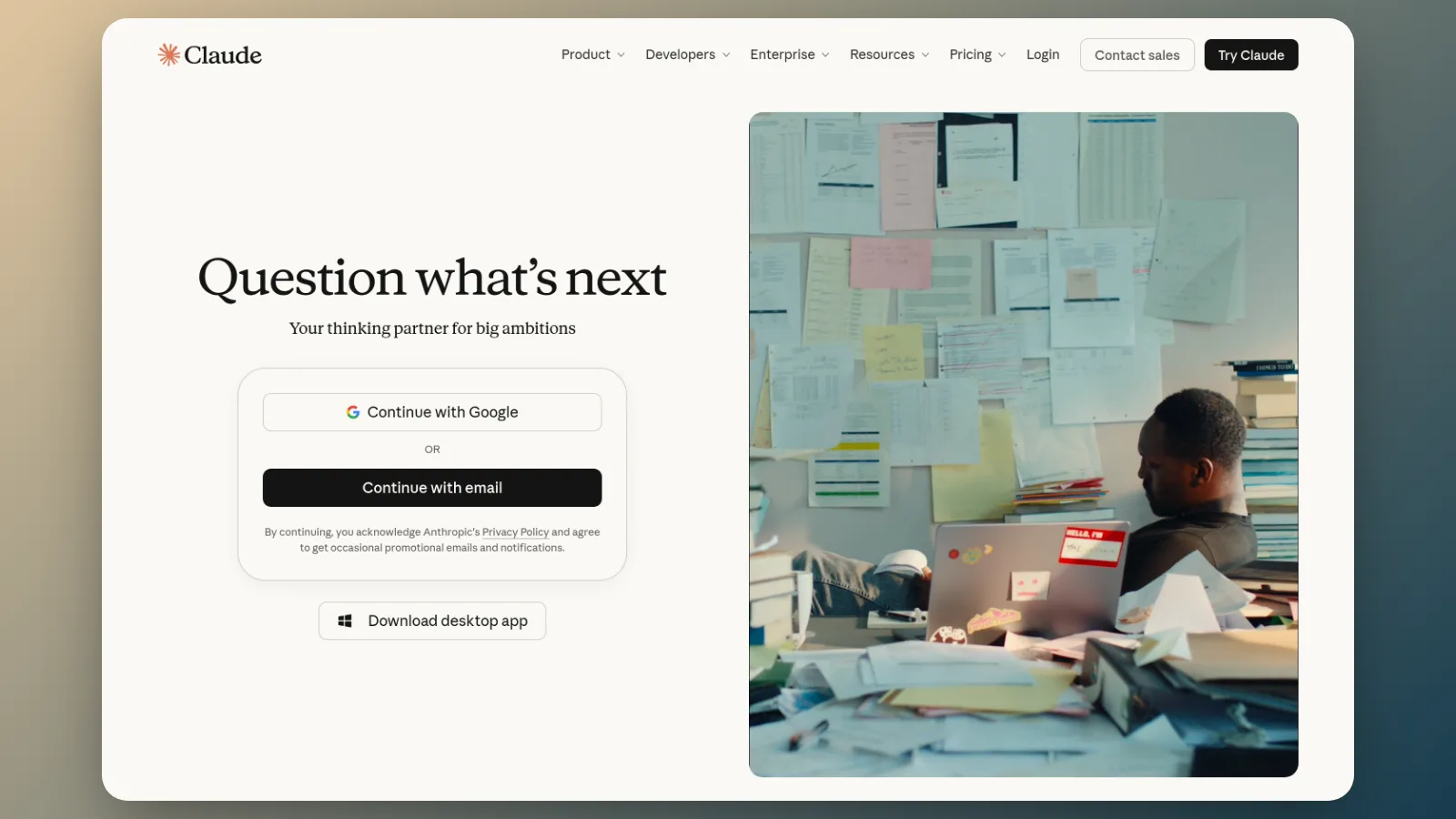
Claude is the alternative to try when your reason is the writing, or when the file is long.
Anthropic's pricing page lists an entry plan, then Pro at $17 a month billed annually ($200 up front) or $20 billed monthly, Max at $100 and Ultra at $200. Pro includes Projects, research, scheduled and handed off tasks, Claude Code, and Claude in Chrome and Microsoft 365. Context runs up to 1 million tokens, depending on the model.

Whether Claude's prose suits you is a taste test, and no review can run it for you. Take one email you wrote badly last week and give two chatbots the same facts. Keep the one whose draft needs fewer edits.
It takes ten minutes.
The failure mode is the limit. Per Anthropic, most accounts get a limit that resets on a rolling five hour window, paid plans add weekly caps, and your use across the web app, desktop, mobile and Claude Code all draws from one pool. A long afternoon of coding can leave you rationed in the chat window the next morning. If you write all day and code all day, count both against the same meter.
Two smaller facts matter before you pay. The annual price saves $3 a month and bills $200 up front, and the page says payments are generally non refundable, with exceptions for Anthropic's terms and local law.
Pay monthly for the first month.
Claude is the answer when your work is long, careful or close to code, and you'd rather edit less. Our Claude vs ChatGPT breakdown goes further on which work belongs to which.
Try it in Magai instead of a second tab. Draft the email with /GPT, then type /Claude and ask for the same email from the same facts. The thread keeps the context, so you don't paste anything twice, and you keep whichever draft needs fewer edits.
Gemini for work that lives in Google
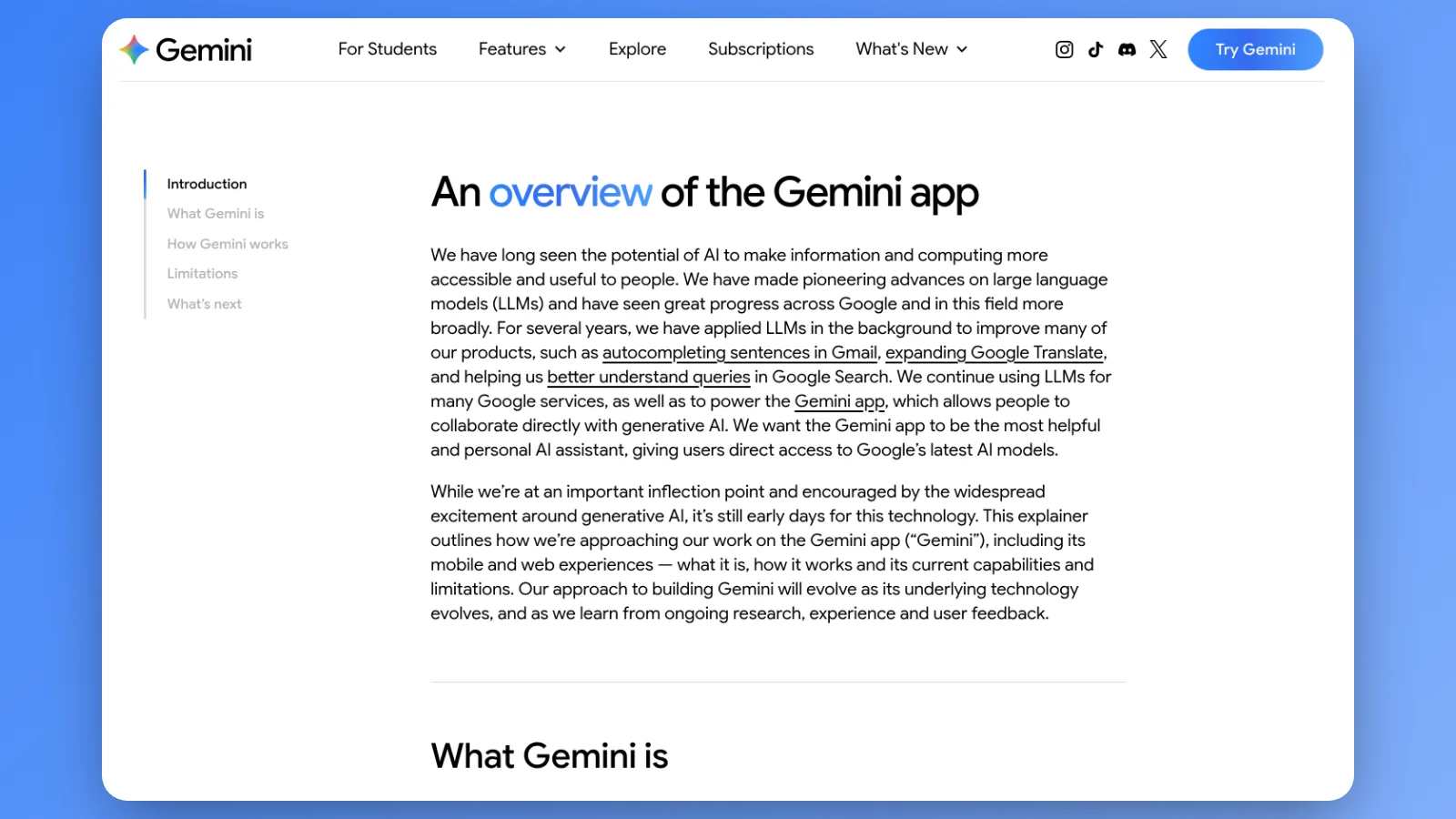
Gemini earns its place when your inbox, calendar and documents already sit in a Google account.
Google's plans page lists an entry tier, then Google AI Plus, Pro and Ultra. The Pro tier lists Gemini inside Gmail, Docs and Vids, a 1 million token context window, uploads of up to 1,500 pages, and 5 TB of Google storage. Every US dollar figure sits in our Gemini pricing breakdown.

Notice what you're buying. Part of that plan is storage. The 5 TB sits in the same bundle as the AI, so the plan's value depends on whether you needed the storage anyway. If you did, Gemini rides along cheaply. If you didn't, you're paying for terabytes to get a model.
The failure mode mirrors the strength. Gemini's edge lives inside Google's apps, and it narrows the minute your work moves to Microsoft's. Google's FAQ also says the plan needs a personal Google account that you manage yourself, which makes it awkward for a team that shares one login.
Run one test before you pay. Take a 40 page PDF you have to act on, and ask for every commitment in it with the page number beside each. Then open three of those pages. A model that handles long files cites pages that match, and one that drifts invents them.
Developers get a second version of the same test. Google's page pitches code uploads of up to 30,000 lines, so give it a repository and ask for every function that touches one table. Then open three of the files it names.
Magai gives you the model without the account tie. Type /Gemini at the start of a message and it answers in the same thread as everything else. The Gmail and Google Drive integrations connect to agents, and an agent runs on any model, Gemini included. So you can point Gemini at your Drive and still switch to another model for the writing.
For the head to head, our Gemini vs ChatGPT comparison covers where the two split.
Perplexity for answers with sources
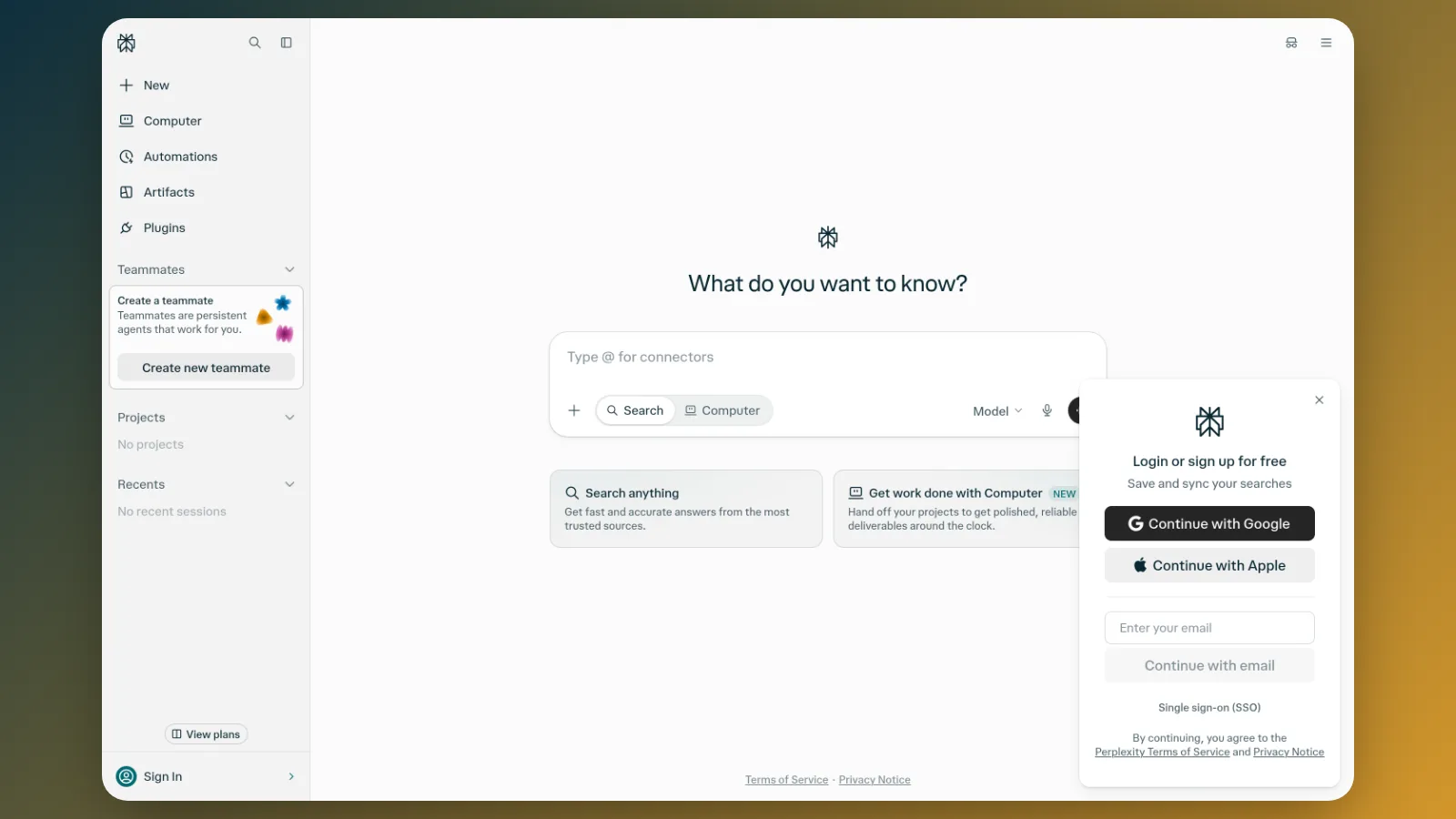
Perplexity is the alternative to try when your reason is trust. You want to see where an answer came from before you repeat it to a client.
Its Pro page lists $17 a month billed annually, with deep research, a choice between AI models, and a feature called Computer. Perplexity says every answer includes inline citations. Pro also lists models from several vendors, so you can pick the model behind the search.
That list matters if you're leaving ChatGPT for the model and not for the search. The page names models from OpenAI, Google, Anthropic, Moonshot AI, Z.ai and xAI, so Pro can put you back in front of the same GPT you left, with sources attached. Decide whether that's what you want before you pay.

A citation proves a source exists. It doesn't prove the source says what the answer claims. That gap is the failure mode, and it's why the sources are a place to start and not a stamp of approval.
Here is the check, and it takes two minutes per answer:
- Open the two citations the answer leans on hardest.
- Find the sentence each claim comes from.
- Confirm the number, name or date matches.
- If either source is missing the claim, treat the answer as a lead and not a fact.
Where Perplexity may lose is drafting, building and long running work with files. Pro lists the ability to create documents and apps, so the test is fair. Give it the same drafting job you give ChatGPT and judge the result by the edits it needs.
Perplexity's Sonar models and its deep research model are in Magai, so /Perplexity brings sourced answers into the same thread as your drafting model. Ask Perplexity for the figure, then type /Claude and ask it to write the paragraph around that figure. The figure travels with the thread.
Our Perplexity vs ChatGPT comparison goes deeper on how each one fails.
Grok for people who live on X
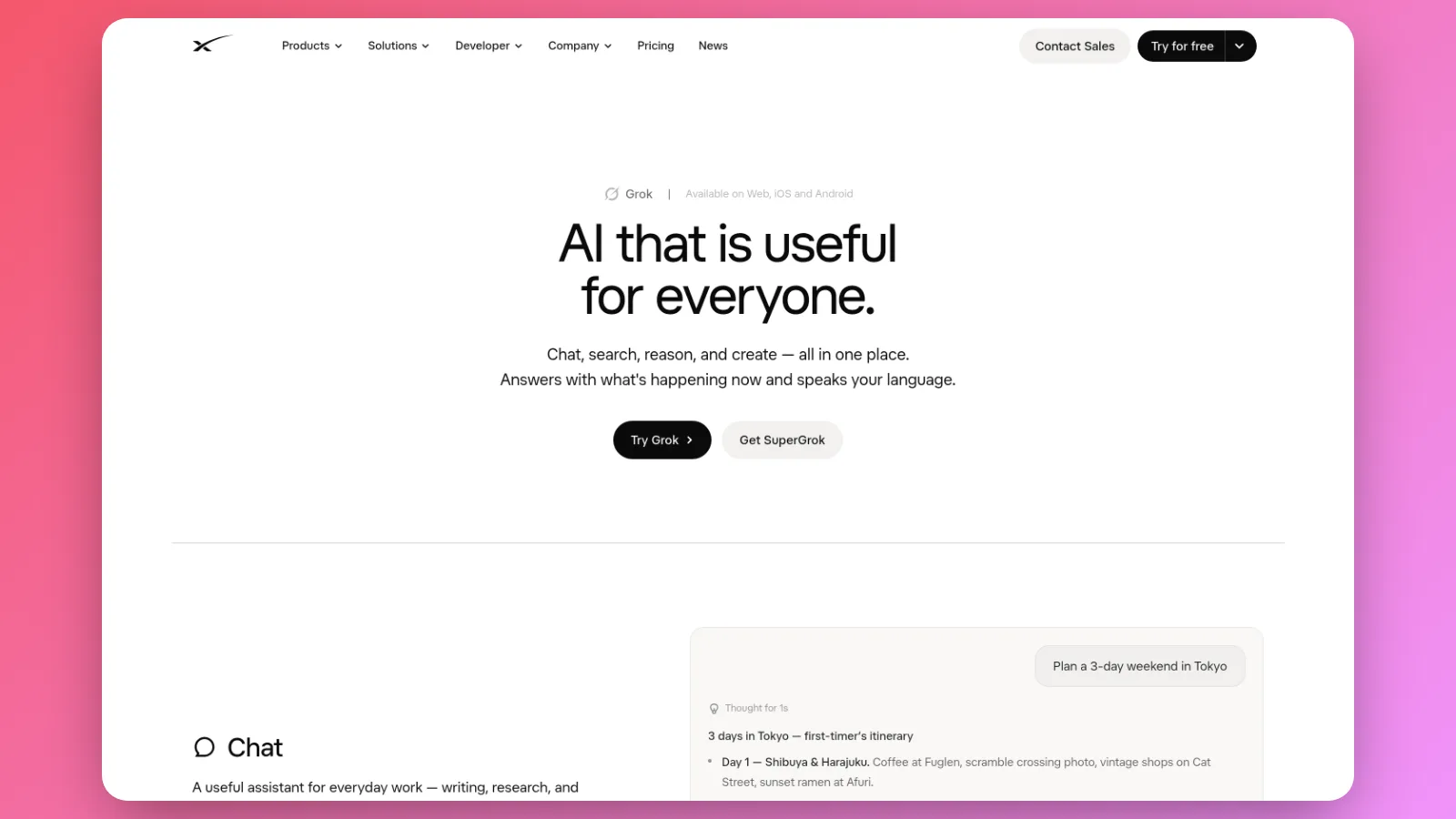
Grok is the alternative with a social network attached. If X is where your work happens, that's a plus. If it isn't, you're paying for a platform.
xAI's pricing page lists an entry tier, then Plus at $8, Premium at $30, Super at $100 and Ultra at $200 a month. Premium gives you 4 times the usage of Plus, plus Grok Bot, the latest Grok models, image and video generation, and X perks like the premium checkmark and fewer ads.
Those tiers carry an X subscription inside them. xAI sells one subscription that covers the chatbot and the platform, so you buy both whether you wanted both or not.
The failure mode is the pool. xAI's FAQ says every tier includes a pool of usage shared across Grok and Cursor, and that the allowance refreshes weekly. When you run out you top up or wait.
Say you spend Monday generating a batch of product images and short videos. The pool you drew down Monday is the one that has to cover Friday's research.
A weekly meter punishes bursts. Keep a log for two weeks before you pay for a higher tier:
- Each time Grok says you're out of usage, write down the day and what you were doing.
- After two weeks, count the days.
- A few hits on one heavy day means you need pacing. A hit nearly every day means you need a bigger pool, or a different tool.
If you aren't on X, Grok's best argument is as a model to compare against the others. That's a good use of it, and it doesn't need its own subscription. In Magai you type /Grok and it answers in the same thread as the rest.
Our Grok vs ChatGPT comparison prices the cost of hopping between the two mid task.
Microsoft Copilot for Word, Excel and Outlook
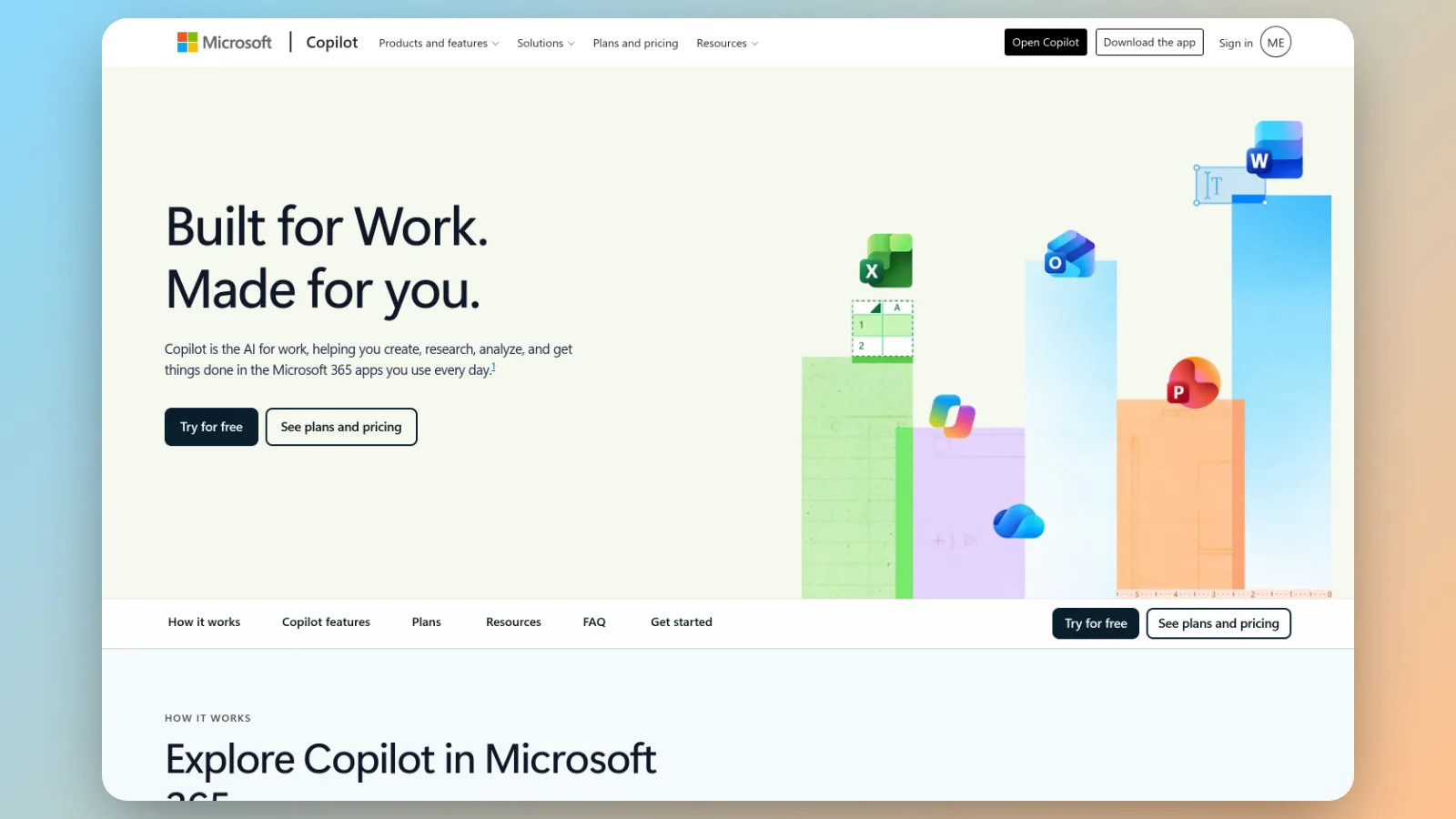
Copilot is the one alternative where the AI is the extra and not the product. You buy Microsoft 365, and Copilot rides along.
Microsoft's plan page for individuals lists Copilot in Microsoft 365 Personal, Family, Premium and Pro. Premium and Pro add features like Cowork, Researcher and Analyst, and more AI usage. The page doesn't print a price next to those plans, so check the checkout screen before you assume a figure.
Its edge is simple. Copilot sits inside Word, Excel, PowerPoint and Outlook, where the document already is. You never copy anything into a chat window.
Premium and Pro are where the heavier features sit. If you only write emails and tidy tables, try the lowest Microsoft 365 plan that includes Copilot first. Pay for a higher tier after you've hit the ceiling on the lower one, for the same reason you'd pace any usage meter.
The failure mode is the same fact turned around. Leave Microsoft's apps and you leave Copilot behind. It isn't a model you can call from anywhere else, and it isn't in Magai.
So here is what to do about that. If you already pay for Microsoft 365 and most of your AI work happens in Word, Excel or Outlook, keep Copilot. Trying it costs you nothing extra. Then add a general chatbot for everything outside those apps.
If you don't pay for Microsoft 365, don't buy it for Copilot alone. Upload the same document or workbook to Magai and ask the same question of a few models. You lose the in-app editing, and you gain a choice of model for the thinking.
Run this test for it. Take a spreadsheet question you answered by hand last month and give it to Copilot inside Excel. Then upload the workbook to a second model and ask the identical question. Check both answers against your own.
DeepSeek for cheap volume work
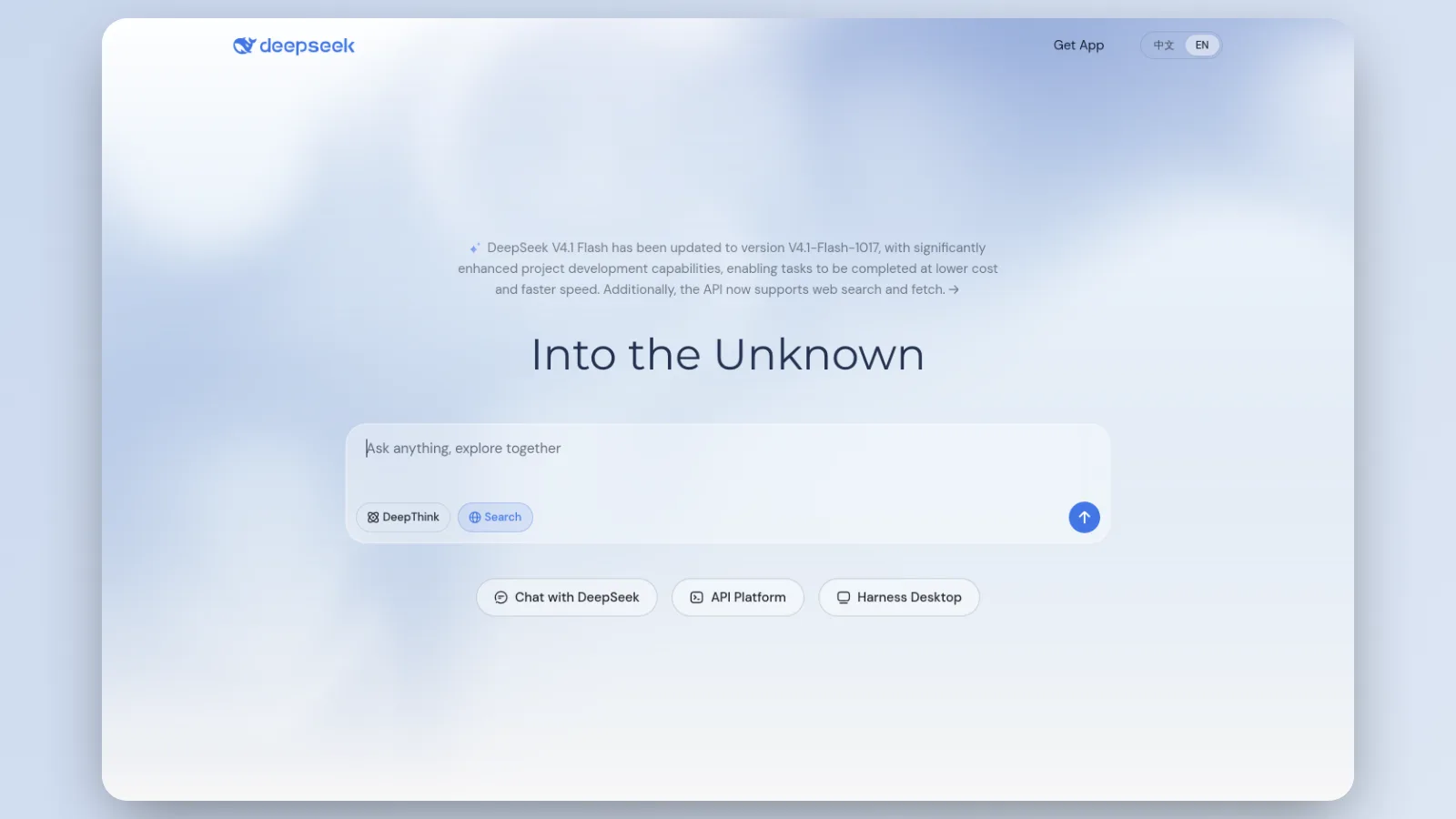
DeepSeek is the alternative you pay for by weight. Its models are cheap per token, and its chatbot app is the sample table at the door.
Start with the data route, because it decides the rest. DeepSeek's privacy policy, updated February 10, 2026, says the company stores your data in the People's Republic of China, collects your prompts and uploaded files, and uses data to train its models. It lists a right to opt out of that training. It also tells you not to give the service sensitive personal data.

So keep client files, contracts and health details out of DeepSeek's own app. Write nothing on it that you wouldn't say out loud.
Then capability. The U.S. government's Center for AI Standards and Innovation evaluated DeepSeek V4 Pro in April 2026 and put it about 8 months behind the frontier. The gap isn't even. On competition math it matched OpenAI's top model in the test at 96% on PUMaC 2024. On a held out software engineering test the scores were 78% against 44%, and on ARC-AGI-2 they were 79% against 46%.
Read that as a rule of thumb. Familiar, well trodden work sits close to the leader. Unfamiliar, long, unforgiving work sits far behind it.
The same evaluation compared cost per solved task against a smaller OpenAI model. DeepSeek was cheaper on five of seven benchmarks, and the range ran from 53% cheaper to 41% more expensive. The token price held still. The number of tokens each job needed moved the answer.
So price the task and not the token. Our DeepSeek vs ChatGPT comparison does that math with real list prices.
Send DeepSeek the high volume jobs where a wrong answer costs a minute: tagging tickets, summarizing calls, first drafts of boilerplate. Keep it away from client secrets and from anything with write access to your systems.
In Magai, type /DeepSeek and it answers in the same thread as the rest. Nothing you send or receive in Magai is used to train any model, from any provider on the platform. If your compliance policy names a country, ask in writing where a given model runs, Magai included.
Leaving ChatGPT costs you the thread, so keep it in the room
Every alternative above starts from zero. Your instructions, your files, the three paragraphs you typed to explain your business and the half finished draft all stay behind in the old tab.
That's the switching cost, and no pricing page prints it. Run five chatbots separately and each one knows nothing about what you told the others. Paying for ChatGPT, Claude, Gemini, Grok and Perplexity on their own comes to about $100 a month, and none of them remembers what you said to the rest.

What you want is every model in one tab, with one memory. Magai is that: one workspace holding ChatGPT, Claude, Gemini, Grok, DeepSeek, Perplexity and dozens more. You switch models mid conversation and the thread keeps its context. The model changes and the memory doesn't reset.
The three paragraphs about your business shouldn't live in a chat window anyway. In Magai you write them once as an agent, a reusable set of instructions that runs on any model. Switch from /GPT to /Claude and the agent comes with you. Folders and Collections keep your chats and images organized, and Workspaces keep one client's work apart from another's.
That turns an alternative from a move into a second opinion. ChatGPT stays on the bench next to the chisel, and you reach for whichever fits the job. If you want the plain side by side, ChatGPT vs Magai lays it out.
The plans are short. Standard is $20 a month with $20 of monthly usage, Pro is $40 with $40 of usage and every model including the premium ones, and Ultra is $200. Every plan carries a 30 day money back guarantee. The pricing page has the rest.
Here is where the argument stops being true. If one chatbot covers your week, its answers satisfy you most of the time and your data rules allow it, stay where you are. An alternative is for the other times.
If you want the wider case for one workspace over five apps, why one workspace beats five apps makes it.
Run five of your own jobs through every finalist before you cancel anything
Benchmarks test somebody else's questions. Your Tuesday is the test that counts.
Here is the procedure, and it takes an afternoon.
- Pull five real jobs from the last two weeks. Include the one that made you leave, the reply that read stiff, the answer you couldn't verify, a long file, and one boring job you do every week.
- Open a new chat in Magai and start the message with /GPT. Paste job one using the template below.
- Type /Claude and send the same job. Repeat with /Gemini, /Perplexity, /Grok and /DeepSeek for the jobs each might win.
- Score every answer on three things: right, partly right or wrong, how many edits you made, and how many minutes you spent.
- Check anything that mattered against its source. A model that flags what it's unsure of beats one that sounds certain.

Use the same wording for every model. This template keeps the comparison fair:
Here is a real task from my work.

Task: [paste the email, the document or the question]
Audience: [who reads the result]
What good looks like: [one sentence]

Do the task. Then list anything in your answer that you are unsure of.
Decide whether you want a clean comparison or a second opinion. For a clean comparison, use a fresh chat for each model so none of them sees the others' answers. For a second opinion, stay in one thread and let the next model check the last one's work.
Both are useful, and they answer different questions.
Then read the scores with four rules:
- If one alternative beats ChatGPT on the job that made you leave, use it for that job and keep ChatGPT for the rest.
- If two tie, take the cheaper plan, or the one that connects to the apps you already use.
- If ChatGPT wins every round, you were annoyed and not stuck. Stay.
- If Microsoft's apps are the job, run it inside Word or Excel, because Copilot can't join the thread.
Then try the combination, because it shows what a second chatbot is for. Stay in one thread. Let /Perplexity find the figures, have /Claude write the paragraph around them, and ask /GPT to tighten it. The figures travel with the thread, and you never paste a thing.
Run the whole test again whenever a plan or a model changes. The lead moves, and your five jobs stay the same.
Magai is the ChatGPT alternative that keeps all the others
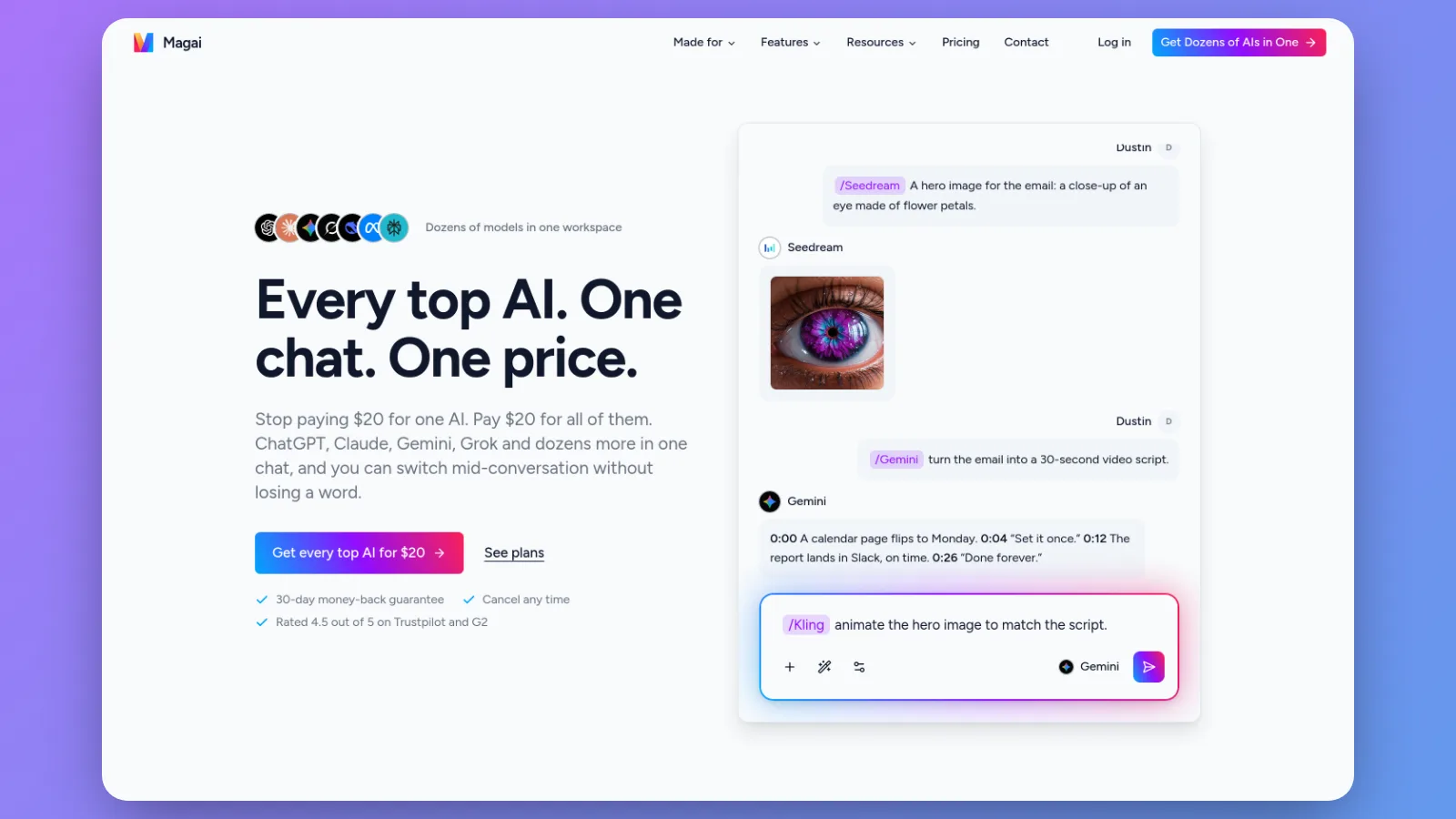
So which one do you pick? Here is the straight answer.
Claude, Gemini, Perplexity, Grok, Copilot and DeepSeek each beat ChatGPT at one job. None of them replaces the others, and none of them carries your thread when you move. If you want a single alternative to ChatGPT and not six, it's Magai.
Magai isn't one more model to choose. It's the place where you don't have to choose just one. Here is what that gets you:
- Every model in this article, except Copilot, in one workspace. ChatGPT, Claude, Gemini, Perplexity, Grok and DeepSeek answer from the same chat window, and a slash command switches between them.
- One thread and one memory. The figure Perplexity found is there when Claude writes the paragraph, and you paste nothing.
- Your instructions written once. An agent holds the three paragraphs about your business and runs on whichever model fits the job.
- More than a chat box. Image and video generation, scheduled tasks and integrations like Gmail and Google Drive sit in the same workspace as the chat.
- One bill. You stop paying for five subscriptions that don't talk to each other.
Each alternative above is a sharper chisel for one job. Magai holds all of them, so you never have to decide in advance which one you'll need. The Tuesday that breaks your plan is the one you didn't see coming.
The honest exceptions are short. If one chatbot covers your whole week and your data rules allow it, stay where you are. If Word and Excel are your job, keep Copilot beside Magai for the work inside those apps.
For nearly everyone else, the alternative worth switching to is the one that doesn't make you leave the others behind. Open Magai and run the job that made you leave ChatGPT through it first.
Keep the pocketknife. Magai keeps every chisel on the same bench, within reach.
More in AI Assistants

AI Assistants
Best AI Chatbot: Run Five Tasks, Keep the Winner
The best AI chatbot depends on the task. Five jobs, where to start for each, and a scored test you run in one thread.

AI Assistants
How to Use AI to Respond to Guest Reviews
How to use AI to respond to guest reviews: sort the week, hold your voice in an agent, draft the five stars fast, and give the one star your own time.

AI Assistants
How to Use AI for Coaching Session Notes
How to use AI for coaching session notes: turn rough notes into a summary, the client's action steps and next focus, and catch what the model invents.