
Genie 4: What Google's New World Model Can Do
Genie 4 is Google DeepMind's new world model with native audio and live dialogue. What it does, who can use it today, and what to run in Magai meanwhile.
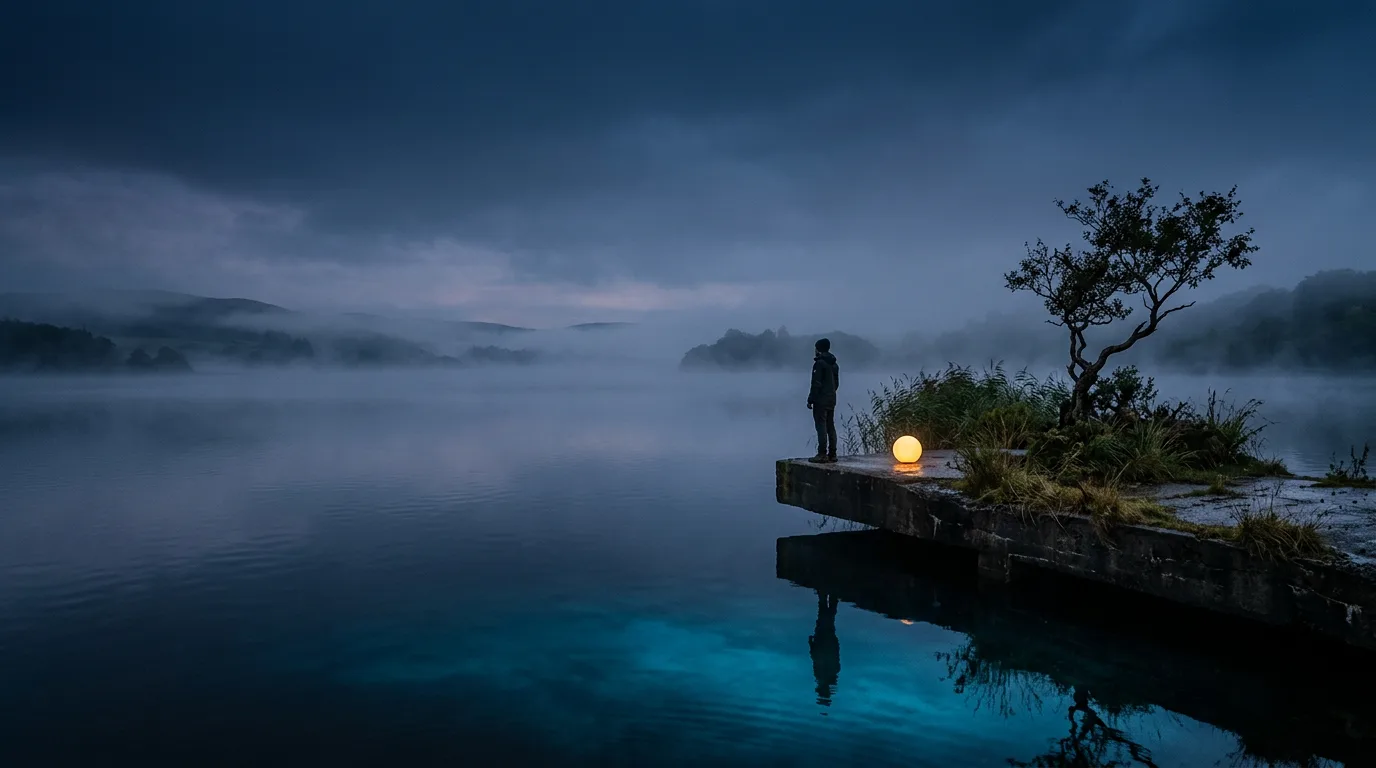
Google just built a video model you can walk around inside, and you can't use it yet.
That's the short version of Genie 4. It is real, it was announced on October 27, 2026, and right now it sits behind a waitlist.
Genie 4 is Google DeepMind's new world model. You type a description of a place, and it renders that place live, with sound, while you steer it with a keyboard and more text. A character can talk back to you. You can say "make it rain" in the middle of the scene and the rain starts.
Genie 4 is a research milestone worth understanding this week and a production tool you should not plan around yet.
Here's what it does, what Google has and hasn't published, where it fits next to the video models you can already use, and what to run in the meantime.
Genie 4 is a world you steer, not a clip you watch
A video model gives you a file. You write a prompt, wait, and get fifteen seconds you can edit or throw away. The clip is finished before you see it.
A world model works the other way around. Genie 4 generates the scene frame by frame while you are in it. Google's own description in the Genie 4 announcement on the DeepMind site is that "you can set an event in motion, and Genie 4 simulates what happens next: how the world responds, how it sounds, and how the people in it move, react, and speak."
That sentence carries the whole product. Your inputs are the standard keyboard controls for moving and aiming the camera, plus text prompts that change the scene as it runs. Google's examples include changing the weather, moving the camera, and introducing a new person or object, and Gemini adapts the prompt to match the surrounding scene.
Think of the difference between a photograph of a stage and a stage you can walk onto. The photograph is a better deliverable. The stage is a different kind of thing.
This is not new as a category. The first Genie, introduced in 2024, only made two-dimensional environments and was trained on video game footage. Genie 4 is a very different animal: photorealistic, three-dimensional, and loud.
What changed from earlier Genie models
Google names four capabilities in the announcement, and each one is a real step from what a world model did before.
- Real-time steering in plain language. You change the world while it runs. Between your inputs, Gemini monitors the scene and steers it so the world keeps progressing in a way that makes sense.
- Realism in physics and people. Google says Genie 4 is built on an understanding of physics scenarios like aerodynamics and collisions, and that the biggest leap is people: characters that move naturally, respond to their surroundings, and can be steered live.
- Native audio. Google calls Genie 4 its first real-time world model to generate audio natively. Every world carries the ambient sound of its setting, from wind in trees to waves at a beach.
- Interactive dialogue. Characters converse and react to your inputs or to events in the world, in real time.
The audio and dialogue pair is the part that changes what you can do with it. A silent world is a tech demo. A world where a character answers when you walk up to them is something a game designer, a teacher or a filmmaker can poke at.
Google also says Genie 4 is natively multimodal, with music, ambient noise and dialogue generated together with the picture, not added afterward.
Google's demo prompts show what "realism" means in practice. One asks for a macro close up of a maple seed falling into grass. Another asks for a crowded rural Japanese train station in the 1980s with a red local train on the nearest track and a dense crowd on the platform. A third places a first person camera on a rider flying a dragon at 140 km/h. These are not one line prompts. They are paragraphs that name the lens, the light, the sound and what must stay out of frame.
How Gemini fits inside Genie 4
Genie 4 is not a standalone model. Google says it "incorporates and builds on capabilities from the Gemini family."
The division of labor is specific. Gemini Omni, Google's video model, anchors the simulation in how the real world looks and behaves. Other Gemini models handle the reasoning that keeps a simulation coherent and continuous from one minute to the next.
The most interesting detail is how a Gemini model sits inside the loop while the world runs. Google says Gemini 3.8 Flash is the guiding agent: it watches the scene, breaks a goal into steps, reviews incoming frames to check each step worked, and changes the plan if the world shifts or the user steps in.
That is a language model supervising a video model in real time. It is also the reason Google keeps using the phrase "hybrid world models."
Google's future-work section describes the idea this way: combine the logical, structured reasoning of code and language models with the sensory, pixel-level representation of a simulation. In its words, Gemini "works behind the scenes to map the structure and plan the narrative timeline, while Genie generates the immediate physical reality."
For you, the practical read is simple. The quality of a world model now depends on the quality of the language model watching it. That is good news if you already pick models by the task.
The robotics demo is the clearest proof of the idea
Google ran one experiment that explains why it cares about this at all. It paired Gemini 4 Argon with Genie 4 and simulated Apptronik's Apollo humanoid robot playing a game of checkers.
Argon broke the user's instruction into steps. Those steps were fed to Genie 4 as text captions while the simulation rendered, so the world could be steered toward finishing the task.
Google says this opens "a path for simulating a breadth of scenarios in imagined worlds." The reasoning model plans. The world model renders. The loop checks itself.
Read that for what it is. A simulated robot playing checkers in a generated room is not a robot that can play checkers. It is a method for testing how an AI system handles a task before anyone builds the hardware or risks anything real. Google frames the broader goal as safe training environments for robots and agents.
If you are not building robots, the demo still matters. It shows the pattern you will see everywhere in the next year: one model that plans, another that produces, and a loop that verifies.
If you want the plan-and-reason half of that pairing in your own work, Gemini 4 Argon is covered here, including how to run it against Claude and GPT in one thread.
Who can use Genie 4 today
Almost nobody, and Google is clear about it.
Genie 4 has been released as a research preview to trusted testers. Google's launch post on the Google blog says it is "coming soon" to two groups: Google AI Ultra subscribers in Project Genie, and early access partners in the Gemini API and Google AI Studio. There is a waitlist for Project Genie.
Here is what is and isn't public, so you don't plan around a rumor.
| Detail | What Google has published |
|---|---|
| Announced | October 27, 2026 |
| Status | Research preview for trusted testers |
| Coming next | Google AI Ultra subscribers in Project Genie, early access partners in the Gemini API and Google AI Studio |
| Access today | Waitlist for Project Genie |
| Inputs | Text prompts, reference images, keyboard controls for movement and camera |
| Outputs | Real-time video with native audio and interactive dialogue |
| Watermark | SynthID on all generated video and audio |
| Price | Not published |
| Context window, resolution, session length | Not published |
| Benchmarks | Not published |
| API model name | Not published |
Two things are worth noticing in that table.
First, there are no benchmark numbers. Google's announcement is built on demos and tester feedback, not a leaderboard. Treat every superlative in coverage of this launch as Google's own description until someone outside Google tests it.
Second, there is no price and no session length. Those are the two numbers that decide whether a real-time world model is a tool or a toy, and you don't have either one.
So what do you do with a launch that has no price? You write down the questions now, and you hold them until the first real answers arrive. How long can a world run before objects drift? What does a minute of simulation cost? Can you save a world and return to it, or does it vanish when you close the tab? Google has not answered any of those, and a decision made before they are answered is a guess.
Genie 4 is also not in Magai. It is a research preview with no public access to build on, so there is nothing to add. If that changes, the post you are reading will say so.
What Google says Genie 4 still gets wrong
DeepMind lists its own limits, and they are more useful than the demos.
Genie 4 is "an early, experimental model." Google says it can hold a coherent environment over short sessions, but visual details and object permanence can still shift or drift over time. That gets worse as a simulation runs longer, after multiple complex prompt edits, or when you move around the scene.
The list of open problems is plain:
- Complex physical interactions
- Real-time audio accuracy
- Rendering legible text
- Spatial accuracy
- Long-term consistency
Look at that list and then at the use cases testers are excited about. A previs tool that can't render legible text in a street sign is fine for exploring a mood. A simulation that forgets where the table is after two minutes is not fine for testing a robot's plan.
So the fair summary is this. Genie 4 is strongest where a short, loose, atmospheric world is enough. It is weakest where you need the world to stay exactly as you left it.
The same goes for safety. Google says it ran internal safety evaluations before the preview, deployed to trusted testers first on purpose, and applies SynthID, an imperceptible watermark, to all video and audio the model generates. That last point matters if you plan to publish anything made with it: the watermark is part of the output.
What testers are using it for
Google worked with cohorts of trusted testers in creative industries, journalism, education, gaming and engineering. It reports four early patterns.
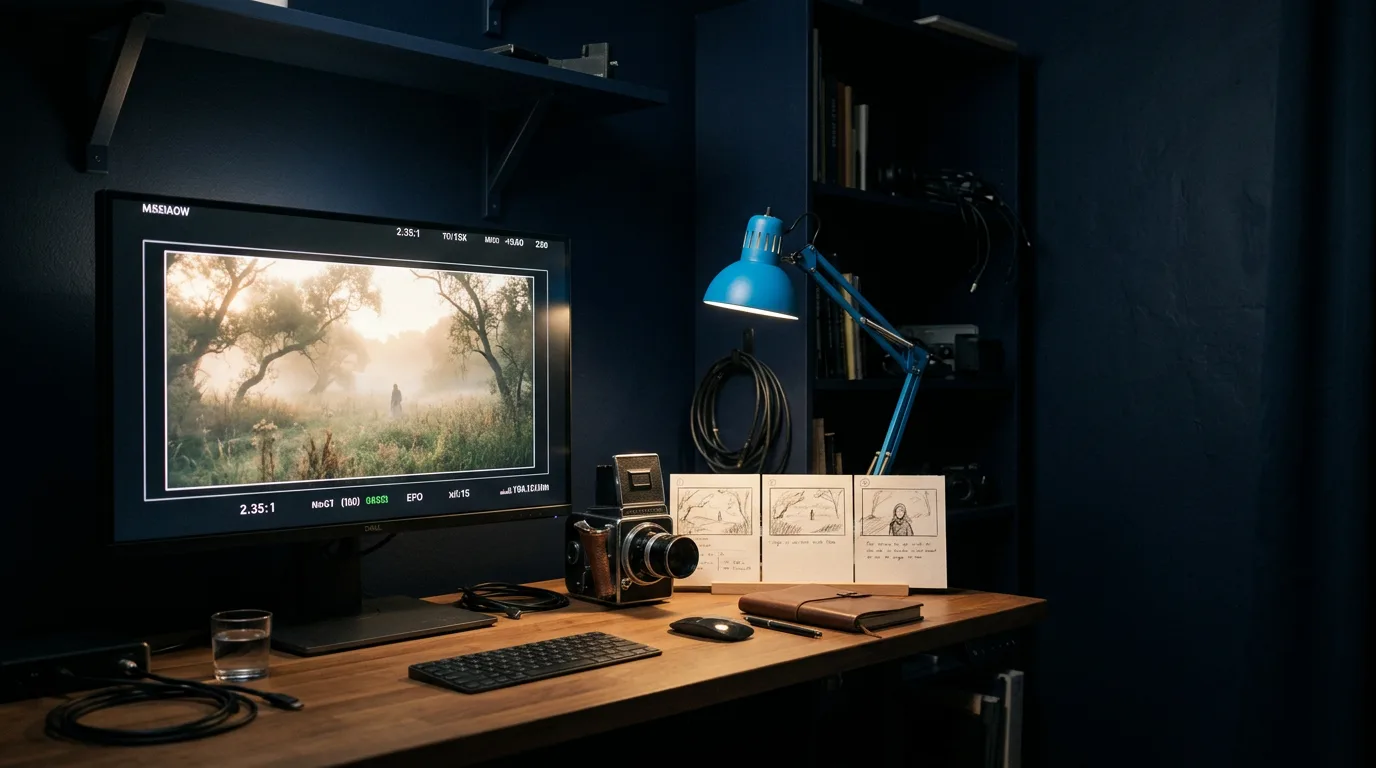
Creative direction comes first. Filmmakers are using Genie 4 as a "draft mode" for pre-visualization. They step into a live simulation of a scene and run several takes, changing camera angle, lighting, dialogue and action on the fly. That is a very different workflow from writing a prompt and waiting for a render.
Historical scenarios and photographs come next. Photojournalists are testing how one archival photograph can become a grounded simulation of that place in seconds. Teams are also trying populated worlds to show how a short event like a flash flood or a wildfire unfolds.
Game developers are using it for interactive concept design. They go from an idea to an explorable prototype in seconds, testing visual style, materials and mechanics through language before writing any engine code.
The fourth pattern is simulation. Enterprise partners are evaluating it for fast "zero to one" scenario generation, and telling Google where it falls short.
Notice what these have in common. None of them ships a finished product. They are all ways to look at an idea before paying to build it.
That is the honest case for Genie 4 today. It is a thinking tool. It shortens the distance between an idea and something you can walk around in.
Genie 4 against the video models you can use now
You are probably wondering whether you should wait for Genie 4 or keep using a regular video model. You should keep using the video model.
A video generator and a world model solve different problems, and the table below is the fast way to see which one fits your task.
| Task | Better fit today | Why |
|---|---|---|
| A finished clip for a post, ad or video | A video model such as Veo or Gemini Omni | You get a file with a set length, edit it, and publish it |
| Exploring a scene from several angles before you build it | Genie 4, when you can get in | The world stays live, so you can move and change it |
| A short clip with synced audio | A video model | Several current video models generate audio with the picture |
| Testing how an agent or robot handles a task | Genie 4 | The simulation can be steered step by step by a reasoning model |
| A consistent character across many shots | A video model with reference images | Genie 4's long-term consistency is listed as an open problem |
| Anything with legible on-screen text | A video or image model | Text rendering is a stated Genie 4 limit |
If your work is making content, the left column is where your week is. If your work is research, game prototyping or simulation, Genie 4 is the thing to get on the waitlist for.
Take a concrete case. You run social for a small brand and you need a ten second moody clip of a lakeside dock at dusk for Friday. With a video model you write the shot, get a file, trim it, and you are done by lunch. With Genie 4 you would get a place you can wander around, which is wonderful for finding the shot and useless if what you need by Friday is the shot itself. The world model finds the angle. The video model delivers it.
The objection you may be raising is that waiting means falling behind. It doesn't. Nothing about Genie 4 changes how you brief a video model, light a scene, or write a shot list. The skills carry over. A world model rewards people who can already describe a scene precisely.
Practice the scene writing now, with models you can use today
You can practice the part of Genie 4 that matters most right now: describing a place so well that a model can build it.
Google's own demo prompts show how much detail the model is asked to hold. They name the camera, the film stock, the light, the fog, the sounds, and a list of things that must not appear. The prompts that work read like a director's note, not a search query.
Here is a way to build that skill in Magai, using models that exist today.
- Draft the scene with a chat model. Start a thread and ask for a one paragraph scene: place, time of day, light, weather, what moves, what you hear. Use a /Gemini pill or any other model you like to write it.
- Make the stills. In the same thread, hand the scene to an image model such as Nano Banana. A still is the closest thing you can make today to the reference image Genie 4 accepts as a first frame.
- Animate it. Send the best still to a video model. Magai has Veo and Gemini Omni video models, along with others, so you can run the same still through several and compare.
- Swap models without starting over. When one model's version misses the mood, switch to another in the same thread. Magai keeps the conversation's context when you switch, so the second model already knows your scene, your notes and what you rejected.
Here is the first prompt, as you would type it:
Write a one paragraph scene I can hand to an image model. A small floating
concrete platform in the middle of a quiet lake at dusk, wild grasses, one
twisted tree, a single warm amber light. Name the lens, the light, the fog,
what moves, what you hear, and three things that must not appear.
Judge the reply on one test. Could a stranger who has never seen your idea draw the same picture from it? If the paragraph says "beautiful" or "cinematic" and nothing else, it failed, and the fix is to ask again with "replace every adjective with something I could photograph." Expect to do that once. The first draft of a scene is usually full of mood words and short on objects.
That last step in the list saves you the most time. A single provider's app can only hand you its own tools. In Magai, a chat model can pass a task to a separate image or video model inside the same thread, so the scene description, the still and the clip all live in one place.
If you want the wider tour of what each image and video option does well, which AI can generate images and Nano Banana 2 are the places to start.
And if you are weighing the cost of putting all of this in one workspace against paying for each vendor separately, how to switch AI models in one workflow shows the setup.
What to do while you wait for access
You have three useful moves this week, and none of them require Genie 4.
Join the waitlist first. Google points to a Project Genie waitlist in the announcement. If you work in games, film, education or simulation, it costs you a form.
Write the prompts now. The people who will get the most from Genie 4 on day one are the ones who already have a library of scene descriptions. Write five. Make each one carry place, light, motion, sound and a list of things to leave out.
Then test your idea on a cheap model. If a scene falls flat as a still and a five second clip, it will fall flat as a world. Use the video models you already have to find out.
There is one more thing to watch. Access to Project Genie is tied to Google AI Ultra, which is Google's top consumer tier. If you want to know how Google prices its plans and models before that decision, Gemini pricing lays out the tiers and the dates when the numbers change.
What to watch for next
Three things will decide whether Genie 4 grows into a tool.
The first is session length. A world that holds together for ninety seconds and one that holds for an hour are different products.
The second is the API. Google says early access partners will get Genie 4 through the Gemini API and Google AI Studio. When a model name, a price and a rate limit appear, you can finally build on it.
The third is outside testing. Everything above comes from Google's announcement and its trusted testers. The first independent tests of drift, physics and dialogue will tell you more than any demo reel.
You have a decision to make once those three land. Until then, you don't need to guess.
Build the scene in Magai today, and walk into it when the door opens. Open the thread, write the first paragraph of your world, and see which model gets the light right.
More in Generative AI

Generative AI
Generative AI for Hyper-Personalized UX
Generative AI UX personalization turns static UX into real-time experiences with adaptive UI, predictive help, and accessible design.

Generative AI
Nano Banana 2: what to know about Google's new image model
Google's Nano Banana 2 image model explained: what is new, how it compares with other image generators, and how to get the best results from it.

Generative AI
Designing AI Prompts for Metadata
Write precise AI prompts for consistent metadata: define schema, provide examples, assign roles, use templates, and test across models.