
Stable Diffusion XL: Everything You Need to Know
Stable Diffusion XL explained: what changed from earlier versions, how to prompt it, where it shines and how it compares with newer image models.

I remember the day Stability AI dropped SDXL 1.0 in the summer of 2023. I had been watching the Stable Diffusion community closely — running tests, comparing outputs, fielding questions from Magai users about which image model to use — and this felt different. The jump from SD 2.1’s muddy 768px outputs to crisp, detailed 1024×1024 images was genuinely exciting. We integrated it into Magai almost immediately.
More than two years later, SDXL still matters. Newer models have emerged — Flux.1 is technically superior for photorealism, SD3.5 adds architectural improvements — but SDXL remains the most widely used open-source image model in existence, with the deepest ecosystem of custom LoRAs, checkpoints, and community fine-tunes ever built around a single model family. If you’re here trying to understand what SDXL actually is, how it compares to what’s come since, and whether it’s worth using in 2026, I’ll give you a straight answer.
What Is Stable Diffusion XL 1.0?
Stable Diffusion XL (SDXL) is an open-source text-to-image model released by Stability AI in July 2023. It was a generational upgrade over the SD 1.5 and 2.x lineages — bigger architecture, higher native resolution, more nuanced understanding of text prompts, and a dual-model pipeline (base + refiner) that significantly improved output consistency.
The “1.0” designation matters: this was Stability AI’s first production-ready release of SDXL, following several months of research previews. It came with a commercial license, meaning businesses could legally build products on top of it — which is part of why it spread so quickly into platforms like Magai.
What’s Actually New in SDXL vs. Earlier Stable Diffusion Models
If you used SD 1.5 or SD 2.x before, you’ll notice the difference in SDXL immediately. Here’s what changed and why it matters in practice.
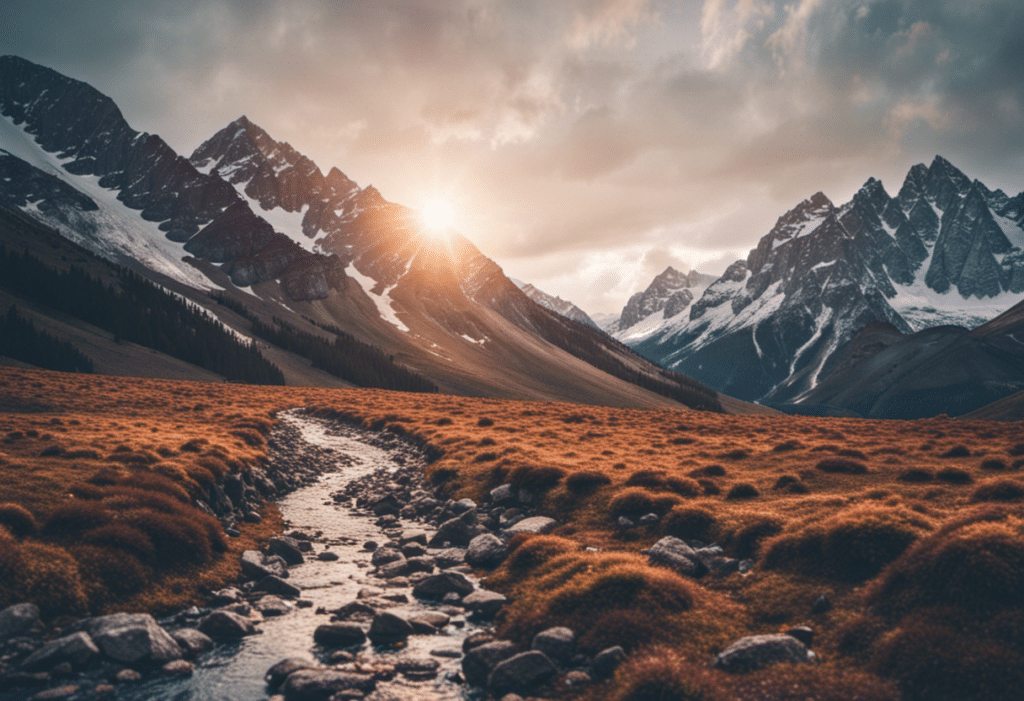
1. Native 1024×1024 Resolution
SD 1.5 was trained at 512×512. SD 2.0 bumped to 768×768. SDXL goes to 1024×1024 natively — nearly 4x the pixel count of SD 2.x. The practical impact is significant: finer textures, sharper edges, more readable text in images, and better facial detail without needing to run a separate upscaling pass.
I noticed this most in portrait generation. SD 1.5 struggled with consistent facial features at any resolution; SDXL handles them with markedly more coherence at its native size.
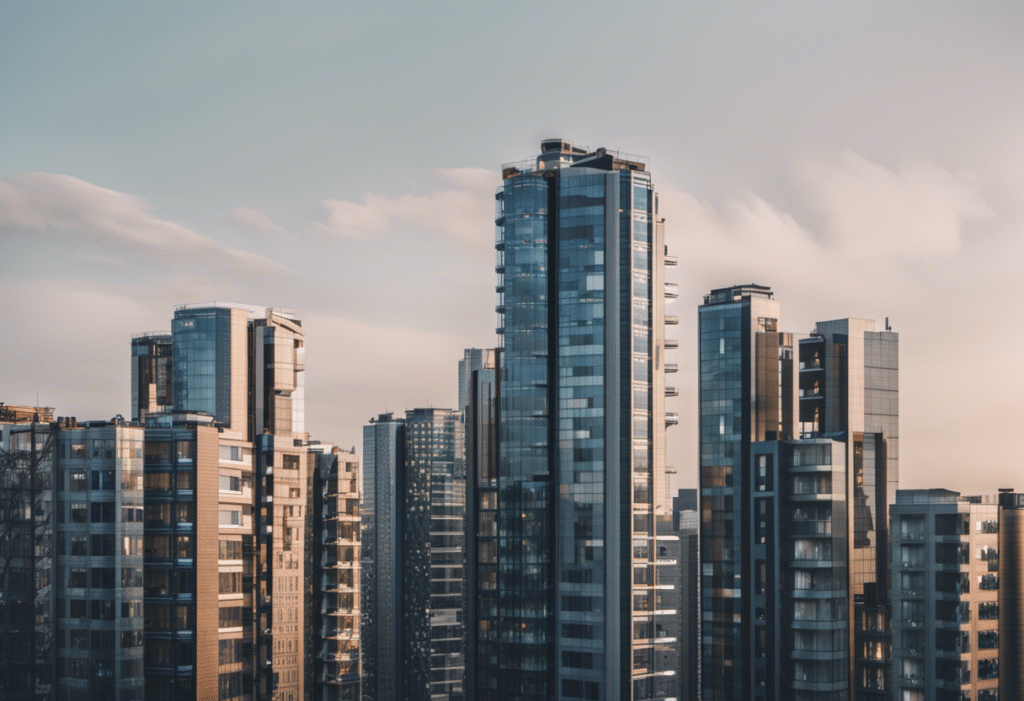
2. The Ensemble of Experts Architecture (Base + Refiner)
SDXL’s most architecturally interesting feature is its dual-model pipeline. A base model handles the initial generation — laying down composition, structure, color. An optional refiner model then processes the output to clean up artifacts and add fine detail. Used together, they act like a rough draft followed by a polish pass.
In my experience, the refiner makes a meaningful difference for photorealistic outputs specifically. For stylized or illustrative work, the base model alone is often sufficient and faster.
3. Two Text Encoders
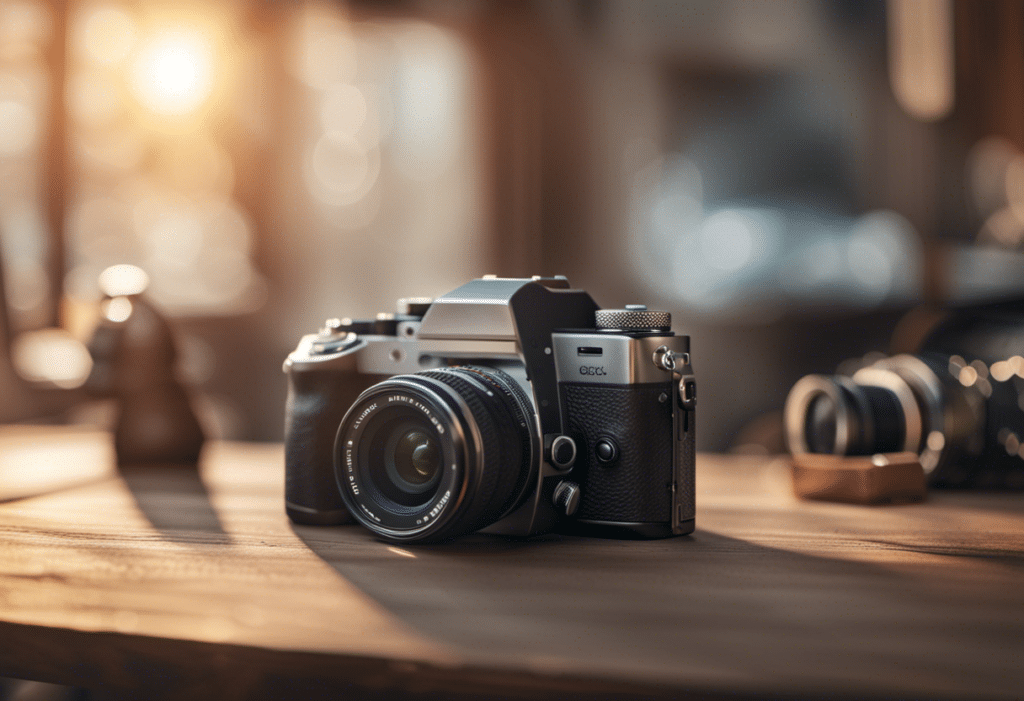
Previous Stable Diffusion models used a single CLIP text encoder to interpret your prompt. SDXL uses two — OpenCLIP ViT-bigG and the original CLIP ViT-L — working in parallel. This dual encoding is why SDXL handles complex multi-subject prompts better than its predecessors. You can describe a scene with several distinct elements and SDXL holds them together more coherently than SD 1.5 ever managed.
4. 3.5 Billion Parameters (vs. 860M in SD 1.5)
The raw scale jump is enormous. SD 1.5 had ~860 million parameters; SDXL’s UNet backbone has 3.5 billion. That additional capacity is what enables the better resolution, richer detail, and improved prompt understanding — but it also means SDXL requires significantly more VRAM to run locally. You’ll want at least 8GB VRAM for the base model, 12GB+ to comfortably run base + refiner.
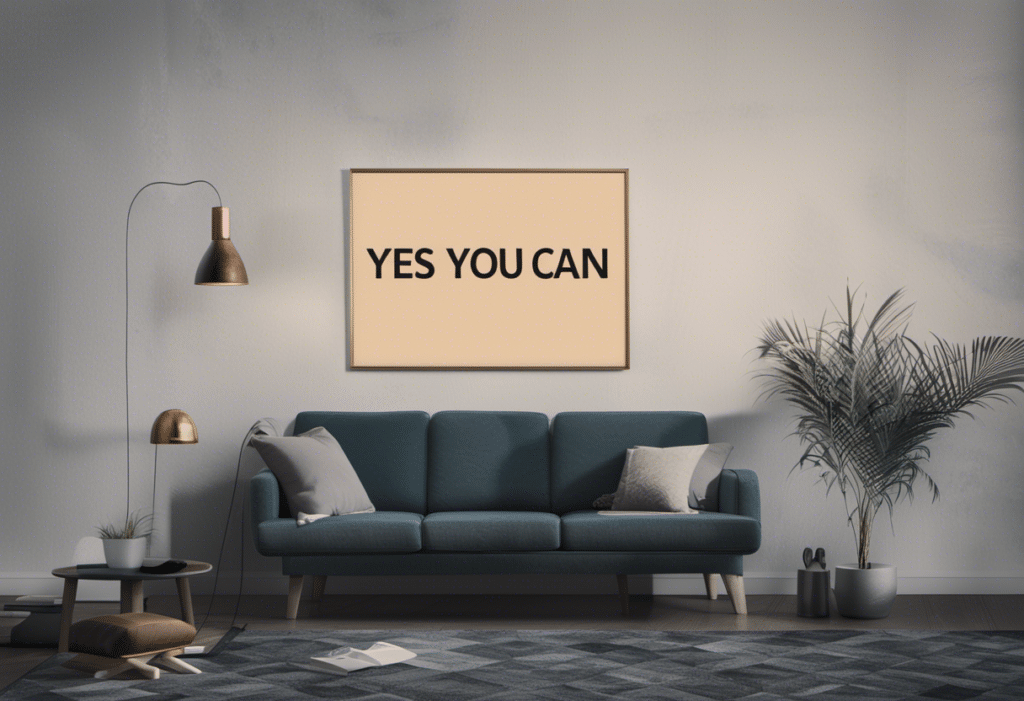
5. Better Text Rendering in Images
Generating legible text within images was a notorious weak point in SD 1.5 — logos came out garbled, signs were unreadable. SDXL is meaningfully better here. It’s not perfect (Flux handles text more reliably in 2024/2025), but SDXL can produce readable short words and logos with reasonable reliability.
6. Commercial License + Open Weights
Stability AI released SDXL under a permissive license that allows commercial use, alongside publicly available model weights. This combination — commercial rights plus open source — is what made SDXL viable for business applications and accelerated the explosion of community fine-tunes, LoRAs, and derivative models. The Civitai model library went from thousands of SD 1.5 variants to tens of thousands of SDXL variants within months of the release.
SDXL Image Quality: My Honest Assessment
Having generated hundreds of images with SDXL through Magai and local setups, here’s what I’ve actually found:
Where SDXL genuinely excels: Photorealistic portraits, environmental landscapes, and product mockups. The model produces images with natural color gradation and lighting that SD 1.5 couldn’t approach. Complex compositions with multiple subjects are handled far more coherently. The aesthetic default — when you give SDXL a neutral prompt — is noticeably higher than earlier SD models.
Where it still struggles: Hands. SDXL is better than SD 1.5 at hands, but still prone to the extra finger problem on complex poses. Fine text rendering in stylized contexts is hit-or-miss. Very high-frequency details — fine fabric weaves, detailed mechanical parts — sometimes get mushy. These are all things that Flux handles more reliably.
On photorealism specifically: SDXL can produce near-photographic quality on well-crafted prompts. But “near” is the operative word. Side-by-side with Flux.1 Dev on the same prompt, Flux usually produces tighter anatomy, more accurate subsurface scattering, and better skin texture. For general content creation — blog headers, concept art, illustrated guides — SDXL is completely capable. For commercial product photography alternatives or highly detailed portraits, Flux has a real edge.
SDXL vs. Flux vs. SD3.5 in 2026
The image generation landscape has changed substantially since SDXL launched. Here’s where each model fits today:
| Model | Best For | Weakness | VRAM Needed |
|---|---|---|---|
| SDXL 1.0 | Ecosystem depth, LoRA variety, stylized art | Hands, fine details, text rendering | 8–12GB |
| Flux.1 Dev/Pro | Photorealism, anatomy accuracy, text in images | Larger model, slower, no negative prompts | 12–24GB |
| SD 3.5 Large | Prompt adherence, stylistic range | Slow generation, higher resource requirements | 16GB+ |
| Flux Schnell | Speed (sub-second), rapid iteration | Some quality trade-offs vs. Flux Dev | 12GB |
My practical take: if you’re running local setups and have an RTX 3080 or similar (10–12GB VRAM), SDXL with a good checkpoint is still the sweet spot for versatility. If you’re using a hosted service like Magai where model access is built-in, I’d use Flux for anything photorealistic and SDXL for stylized or illustrated work where you want more aesthetic control via LoRAs.
SDXL’s real advantage in 2026 isn’t raw quality — it’s the ecosystem. There are thousands of fine-tuned SDXL checkpoints optimized for specific styles: anime, oil painting, architectural visualization, product photography, logo design. No other model family has that depth of community customization yet. If you need a specific aesthetic and there’s an SDXL LoRA for it, that beats a technically superior model with no fine-tuning available.
How to Use SDXL in Magai
We built SDXL support into Magai’s Image Editor to make it accessible without any local setup or GPU required. Here’s how to use it:
- Open the Image Editor inside Magai (found in the left sidebar).
- Select SDXL as your model from the generator dropdown.
- Write your prompt in the text field. Be specific — the more detail you provide, the better SDXL performs. Include subject, lighting, style, and mood.
- Add a Negative Prompt if you want to exclude specific elements (e.g., “blurry, low quality, extra fingers, watermark”).
- Choose a resolution preset: Square (1024×1024), Wide (1216×832), or Tall (832×1216).
- Select a Style from the dropdown to quickly shift the aesthetic without rewriting your prompt.
- Click Generate.
One thing I appreciate about having SDXL in Magai is the workflow integration. You can draft a blog post in a Claude chat, then jump directly to the Image Editor to generate a header image based on the content you just wrote — without switching tabs or apps. The image lives alongside your work rather than in a separate tool.
Magai gives you access to multiple image generation models, not just SDXL. So you can compare outputs from SDXL and other models side-by-side without managing separate accounts or subscriptions.
Running SDXL Locally
For those who want full control — custom checkpoints, specific samplers, local LoRA loading, full privacy — running SDXL locally via ComfyUI or Automatic1111 is very viable. Here’s the basic path:
- Download the SDXL 1.0 base model weights from Stability AI’s Hugging Face repository (or a checkpoint from Civitai).
- Install ComfyUI (recommended for SDXL’s dual-model pipeline) or Automatic1111 (more accessible for beginners).
- Place model weights in the correct /models/checkpoints/ folder.
- If using the refiner, download it separately and configure a two-pass workflow.
- Adjust key settings: steps (25–30 is a good default), CFG scale (7–8 for SDXL), and sampler (DPM++ 2M Karras is a reliable choice).
The local setup gives you capabilities that hosted services can’t match: custom LoRAs, ControlNet for pose control, IP-Adapter for style transfer, and full control over every generation parameter. The tradeoff is setup time and the need for appropriate hardware. For casual use or business workflows, Magai’s hosted access makes more sense. For deep experimentation or fine-tuning your own models, local is the way to go.
Ethical Considerations with SDXL
Open-source image models come with real responsibility. SDXL can generate realistic imagery of people, places, and scenarios that never existed — and that power cuts both ways.
Stability AI released SDXL with training data filtering to remove unsafe content and has attempted to block known harmful prompt patterns. But because the model weights are public and can be run locally without any filtering, those safeguards don’t apply universally.
My view: the responsibility falls on users and platforms, not just the model creator. At Magai, we maintain usage policies that prohibit generating non-consensual content, realistic imagery of real individuals, or content designed to deceive. The same principles I apply to text generation apply here — just because you can generate something doesn’t mean you should.
The creative potential of SDXL is genuine and substantial. Approached responsibly, it opens up possibilities for artists, designers, marketers, and educators that simply weren’t accessible a few years ago.
Example images to illustrate different capabilities
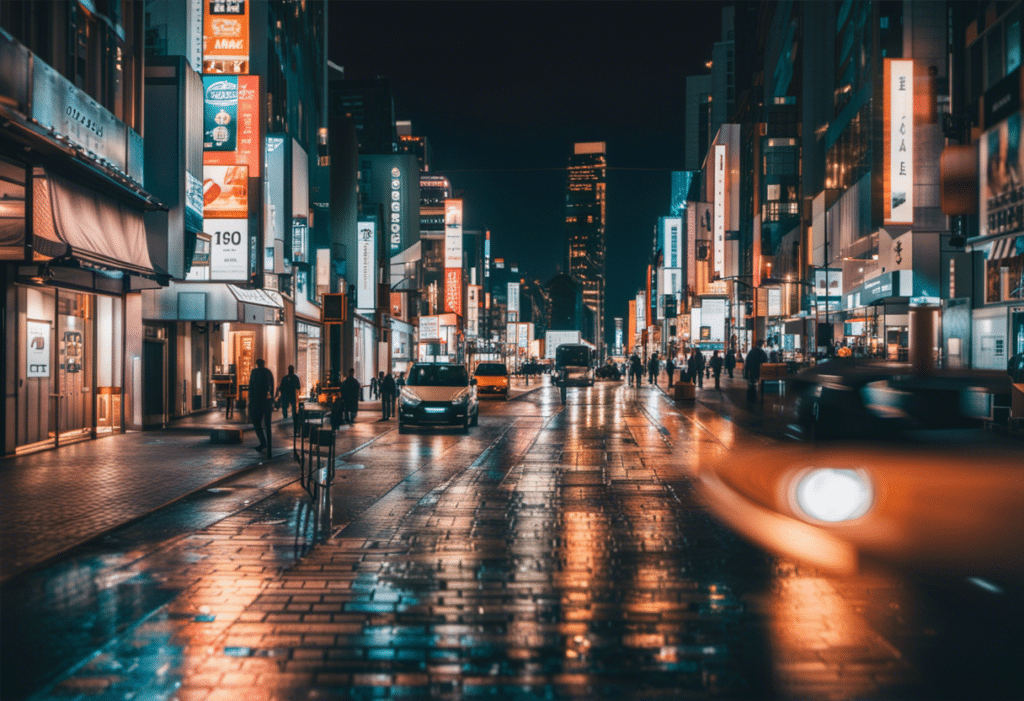
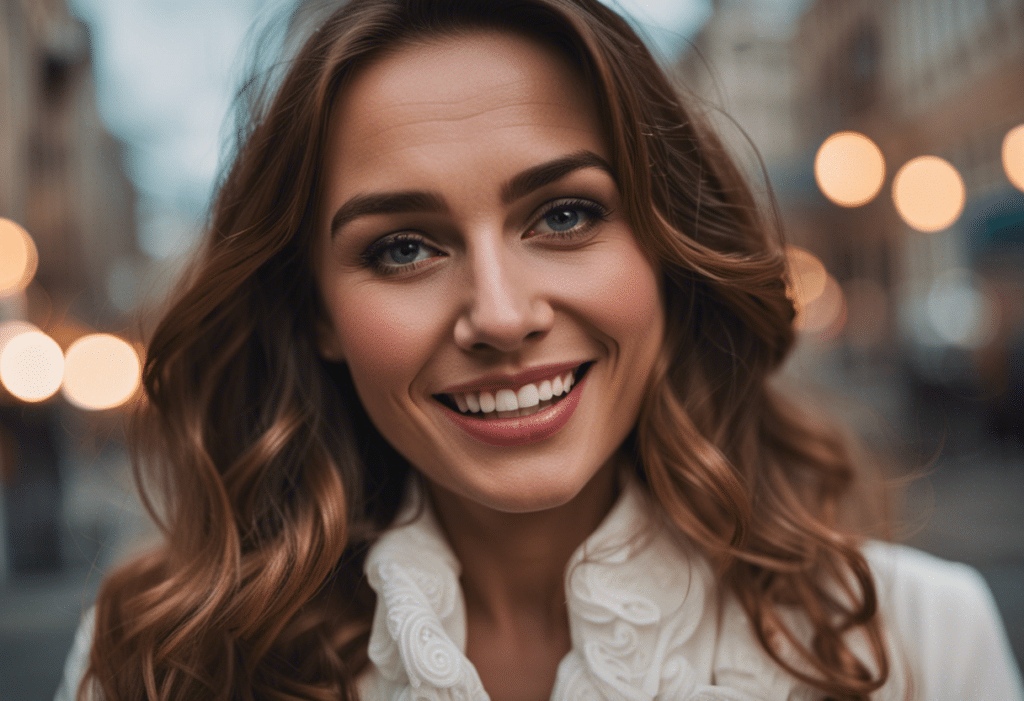
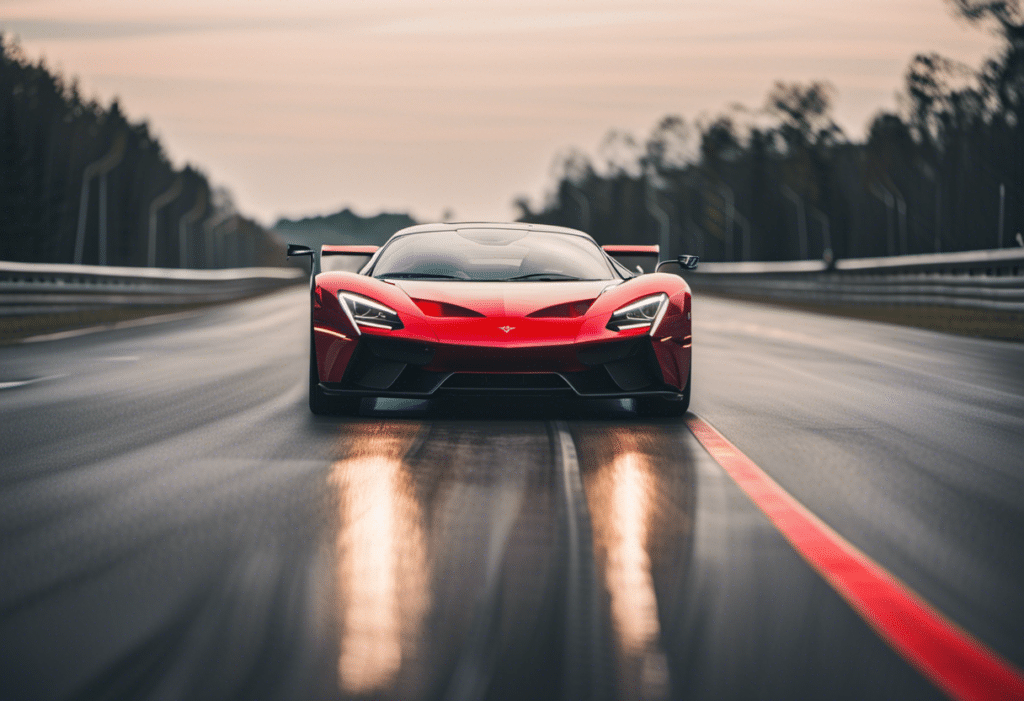
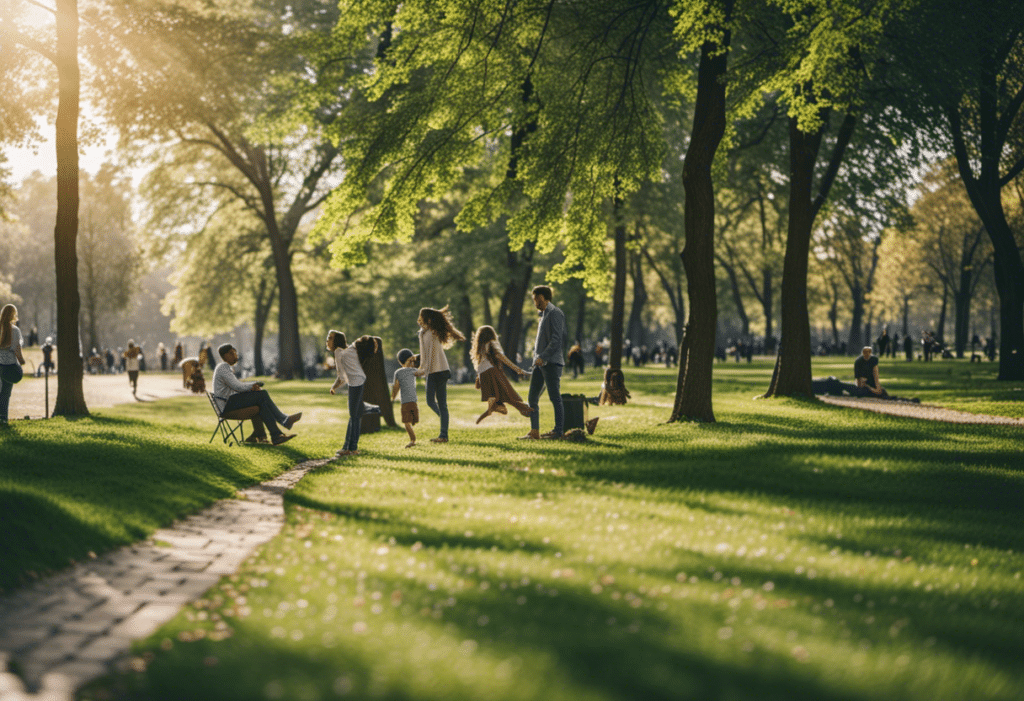
Every image in this article has been created using Stable Diffusion XL. But lets look at some more examples to narrow in on the different capabilities that make SDXL so fascinating.
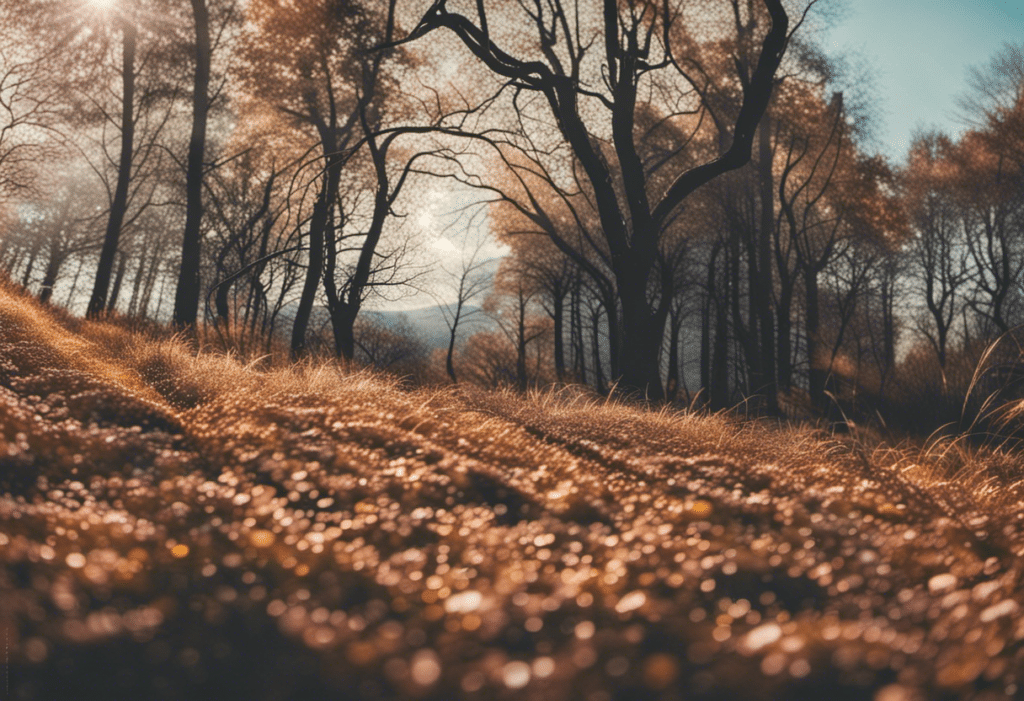
Photorealistic landscape: SDXL can render a scenic outdoor setting with accurate colors, lighting, textures and dimensions that appears nearly photographic.
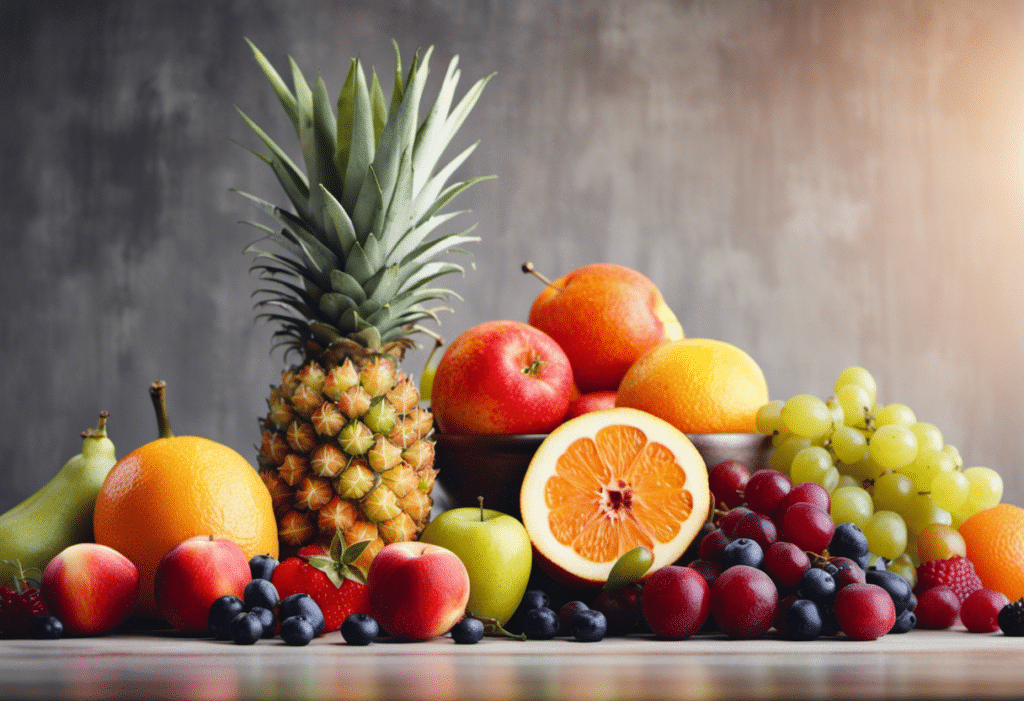
Complex composition: Generate an image with multiple subjects or objects arranged in a creative composition to demonstrate SDXL’s enhanced ability to manage visual complexity.
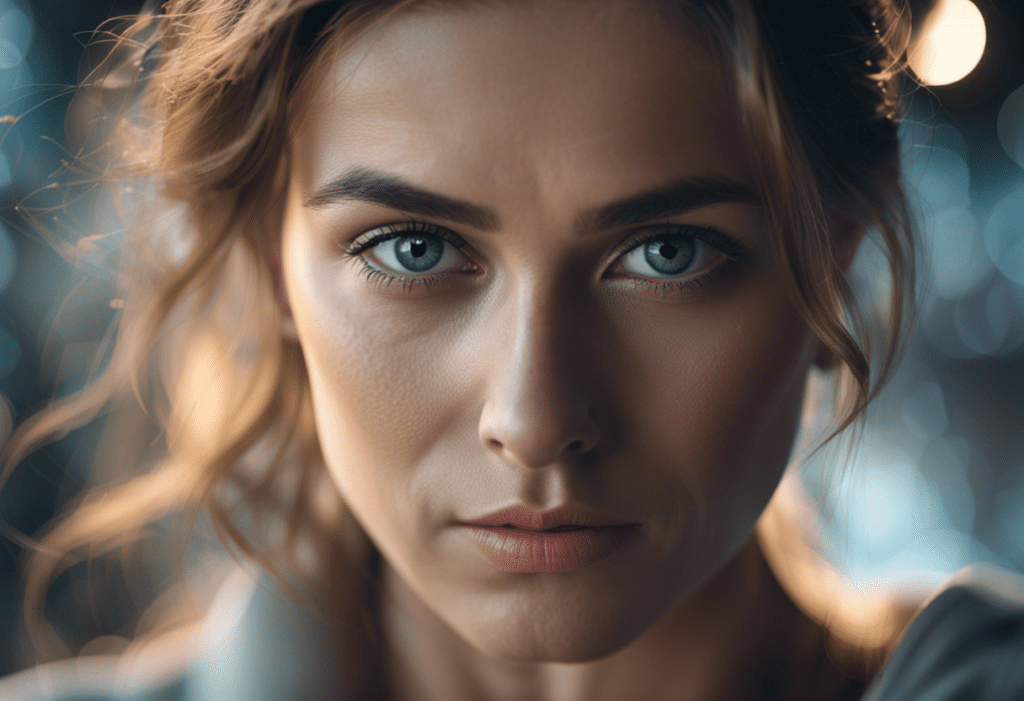
Hyperrealistic portrait: Produce a high-fidelity, emotionally evocative face to highlight SDXL’s person-generation advances and extreme photorealism.
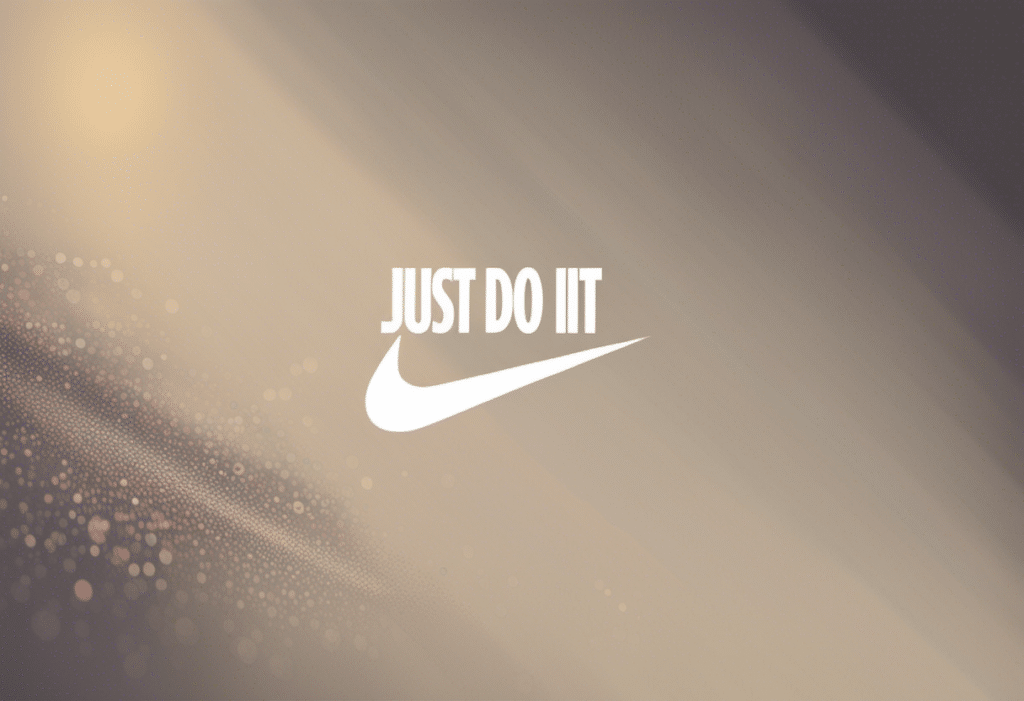
Legible logo: Create an image featuring a company logo, sign or other text element with sharp visual clarity and precise character reproduction to illustrate SDXL’s text generation skills.
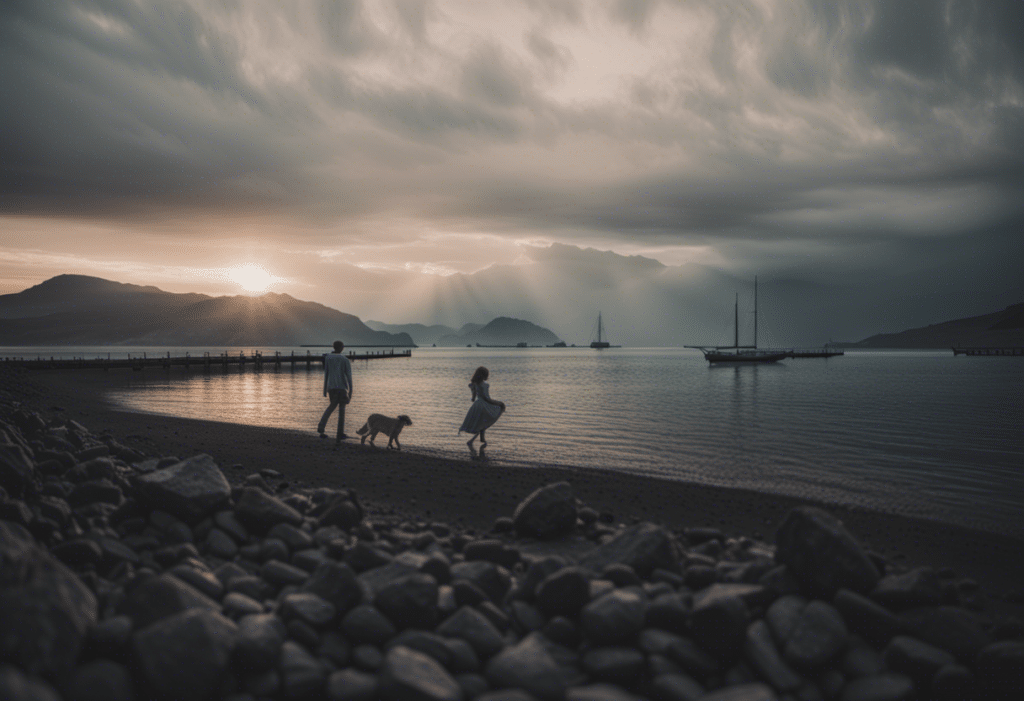
High dynamic range: Generate a scene with rich tonal range from very dark to very light areas showcasing SDXL’s improved capability to model luminosity and spatial relationships.
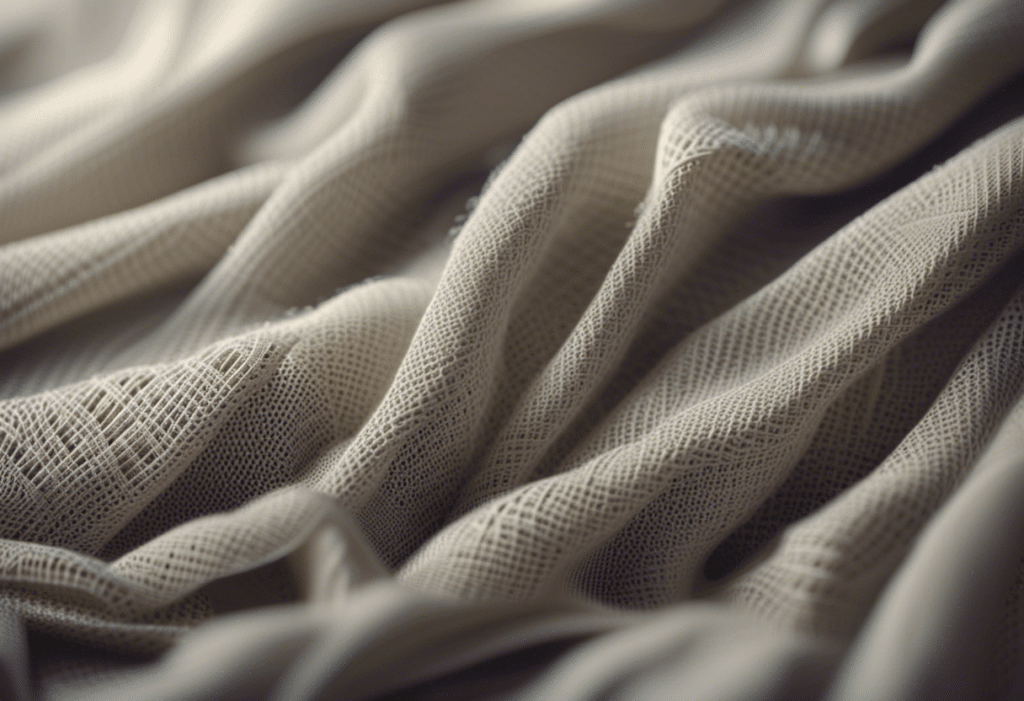
Intricate details: Produce an image containing elements with tiny, nuanced features that previous diffusion models struggled with, e.g small objects, textures, facial details.
Is SDXL Still Worth Using in 2026?
Yes — but with context.
SDXL is not the cutting edge of image generation anymore. If you need the best possible photorealism, Flux.1 Pro outperforms it. If you need maximum prompt adherence on complex multi-element scenes, SD3.5 Large is more capable. SDXL has known weaknesses — hands, fine text, highly detailed mechanical subjects — that newer architectures handle more reliably.
What SDXL has that newer models don’t is a two-year head start on community development. Thousands of fine-tuned checkpoints. Tens of thousands of LoRAs covering every conceivable aesthetic. A generation of tutorials, workflows, and prompt libraries built specifically for its characteristics. If your target output is a specific artistic style — and there’s an SDXL checkpoint or LoRA for it — you’ll get results that no amount of prompting a base Flux model will replicate.
For general content creation — blog images, marketing visuals, concept art, illustrated headers — SDXL via a platform like Magai produces excellent results with minimal friction. For highly technical photorealistic work, move to Flux. For most creative use cases in the middle, SDXL remains a completely capable and justified choice.
Frequently Asked Questions
Is Stable Diffusion XL 1.0 free to use?
The SDXL model weights are free to download and use, including for commercial purposes, under Stability AI’s open license. Running it locally is free (GPU hardware and electricity costs aside). Accessing it through hosted platforms like Magai requires a subscription, which covers the compute cost of running the model for you.
What’s the difference between SDXL base and SDXL refiner?
The base model handles initial image generation from your text prompt. The refiner model takes the base output and performs a second-pass denoising to improve fine details and reduce artifacts. You can use the base alone for faster generation, or run both in sequence for higher-quality outputs — especially useful for photorealistic work.
How does SDXL compare to Midjourney?
Midjourney (particularly v6 and v7) still leads on aesthetic polish and ease of use for non-technical users. The default outputs from Midjourney look more “finished” with less prompting effort. SDXL’s advantage is openness: you can run it locally, fine-tune it, use it commercially without per-image pricing, and access a vast library of community checkpoints. For professional creative workflows where you need control and customization, SDXL (or Flux) is typically the better choice. For quick visual ideation, Midjourney remains hard to beat.
Can SDXL generate realistic faces?
Yes, with good prompting. SDXL produces more consistent facial features than SD 1.5 or 2.x at its native 1024×1024 resolution. For highly detailed portrait work, using a portrait-optimized SDXL checkpoint (available on Civitai) produces significantly better results than the base model alone.
What GPU do I need to run SDXL?
The SDXL base model runs on 8GB VRAM with some optimization (like fp16 precision and attention slicing). Running base + refiner comfortably requires 12GB+. An RTX 3080, 3090, or 4070 Ti are solid choices for local SDXL use. If you don’t have a suitable GPU, running SDXL through a hosted service like Magai removes the hardware requirement entirely.
Does Magai support SDXL for image generation?
Yes. Magai’s Image Editor includes SDXL support alongside other image generation models. You can generate SDXL images directly within Magai’s interface without any local setup, and the generated images integrate naturally into your AI-assisted content workflow.
More in Generative AI

Generative AI
Generative AI for Hyper-Personalized UX
Generative AI UX personalization turns static UX into real-time experiences with adaptive UI, predictive help, and accessible design.

Generative AI
Nano Banana 2: what to know about Google's new image model
Google's Nano Banana 2 image model explained: what is new, how it compares with other image generators, and how to get the best results from it.

Generative AI
Designing AI Prompts for Metadata
Write precise AI prompts for consistent metadata: define schema, provide examples, assign roles, use templates, and test across models.